Why Slides?
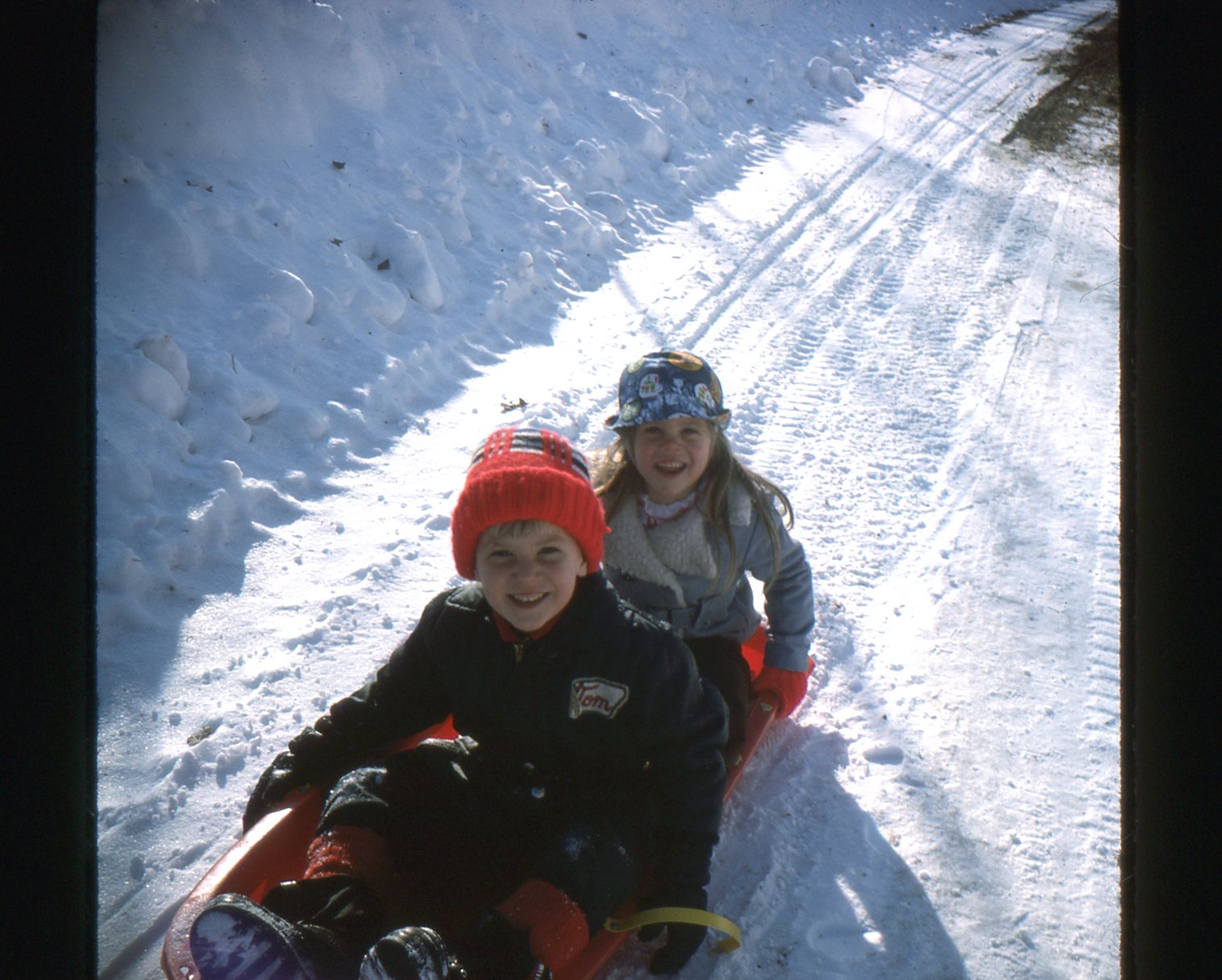
One question I get from time to time is how to digitize slides. Anyone of a certain age (ah-hem) will remember family slide show evenings. In my case, most of my childhood was archived to slides with very few actual photos remaining, so digitizing the slides became very important to recapturing those memories.
Equipment
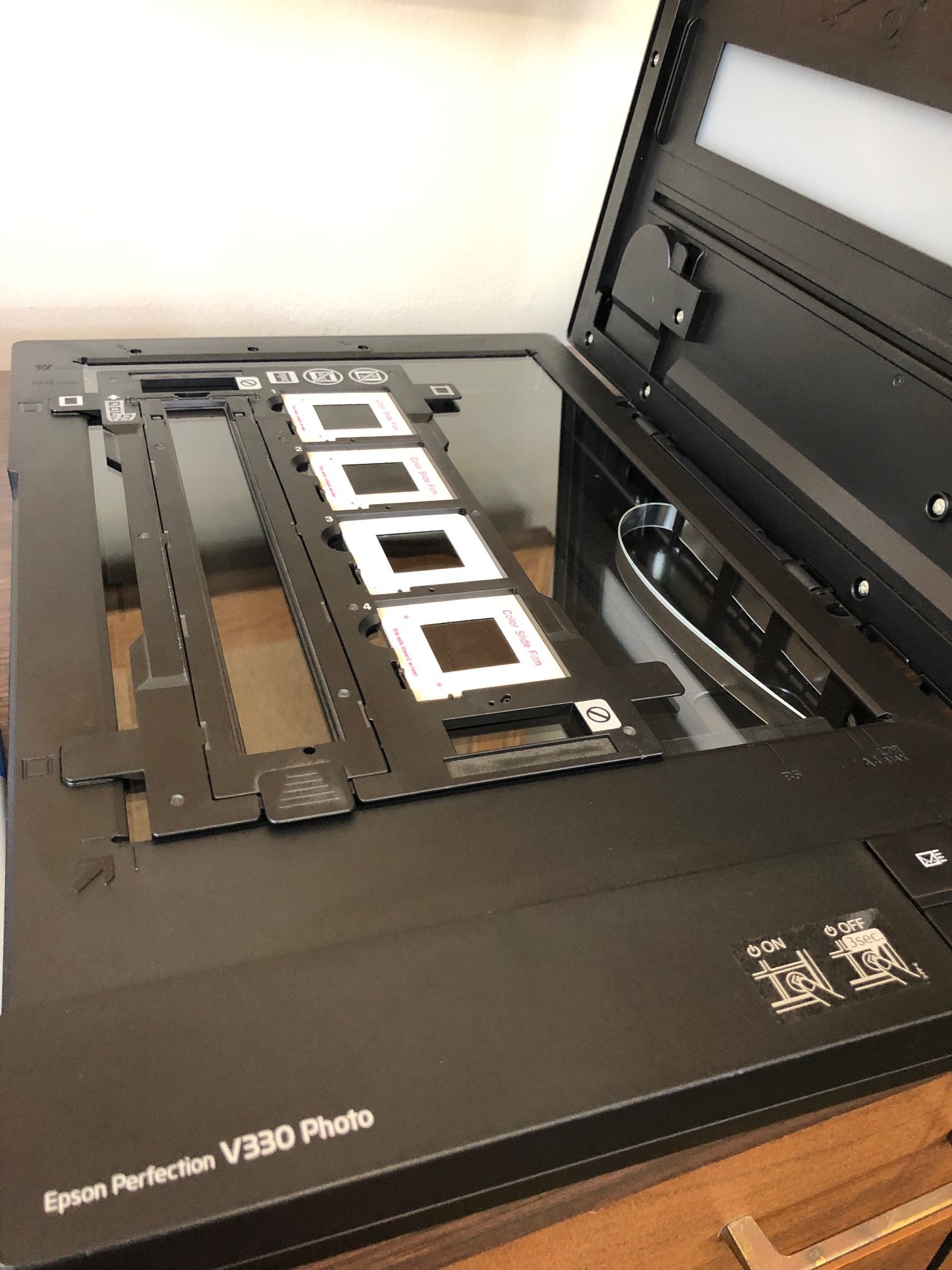
I have been using the same low-cost scanner, an Epson Perfection V330 Photo ($180), for more than a decade now. The scanner has an attachment to nicely handle four slides per scan or a strip of film negative. If you have a few dozen slides — or have the time to slowly digitize a collection — this might be a good solution for you. But if you have boxes of slides, it might be worth sending the entire batch to a professional digitizing service.
This seems obvious, but have an eyeglass cleaning cleaning cloth handy to wipe down your scanner glass and the slides themselves before starting and throughout the process. Every time I picked up slides from the glass I left dust and fingerprints behind.
Image Quality
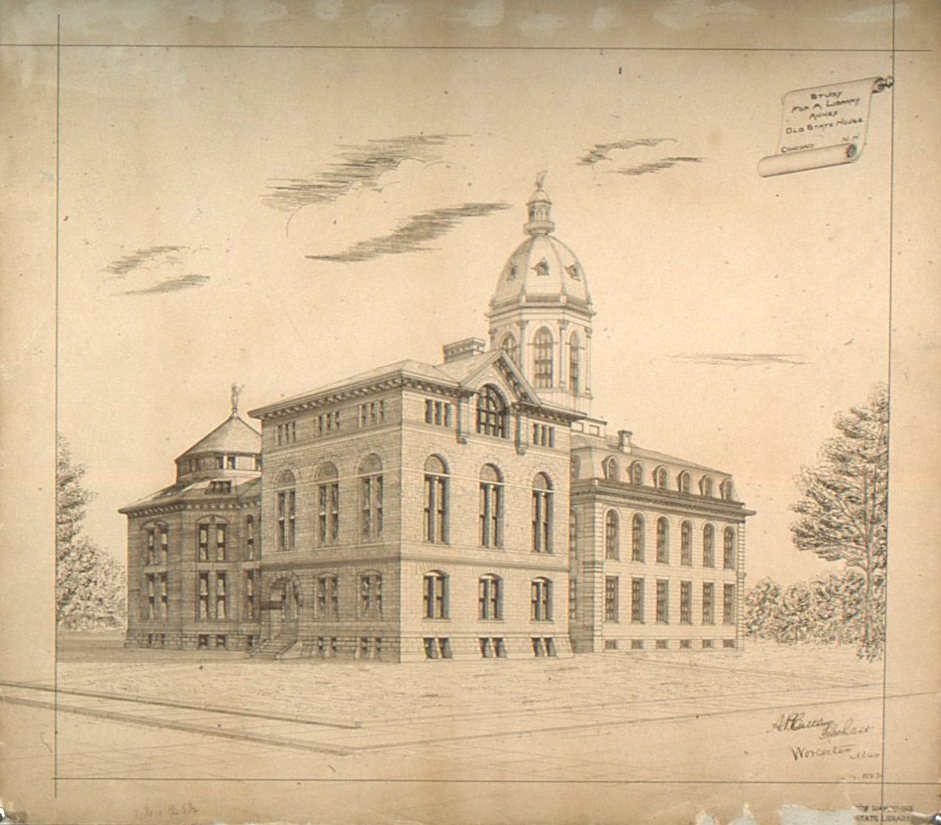
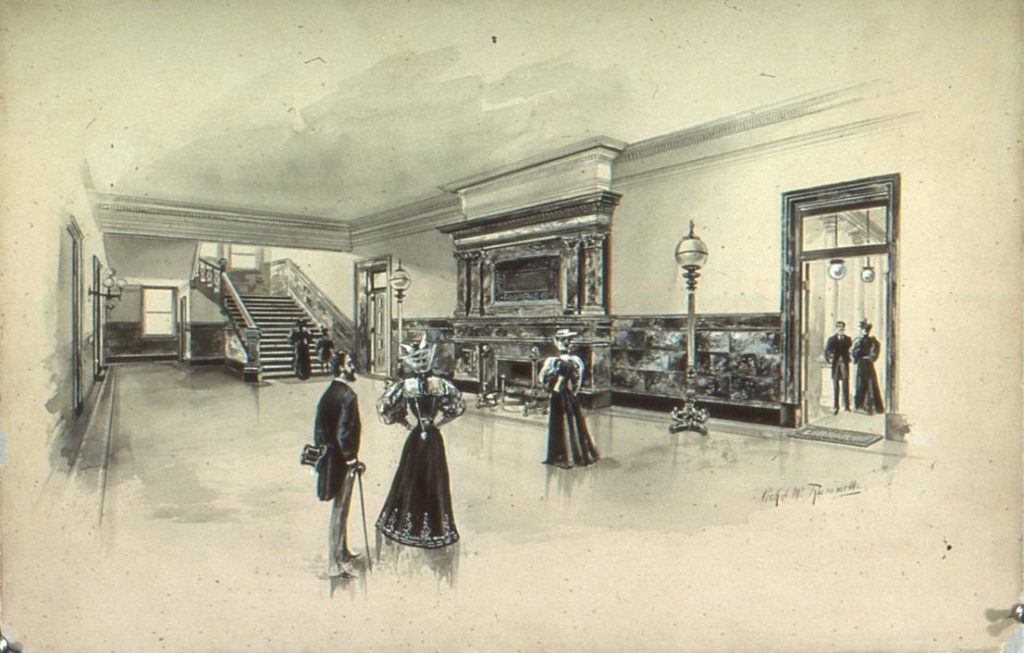
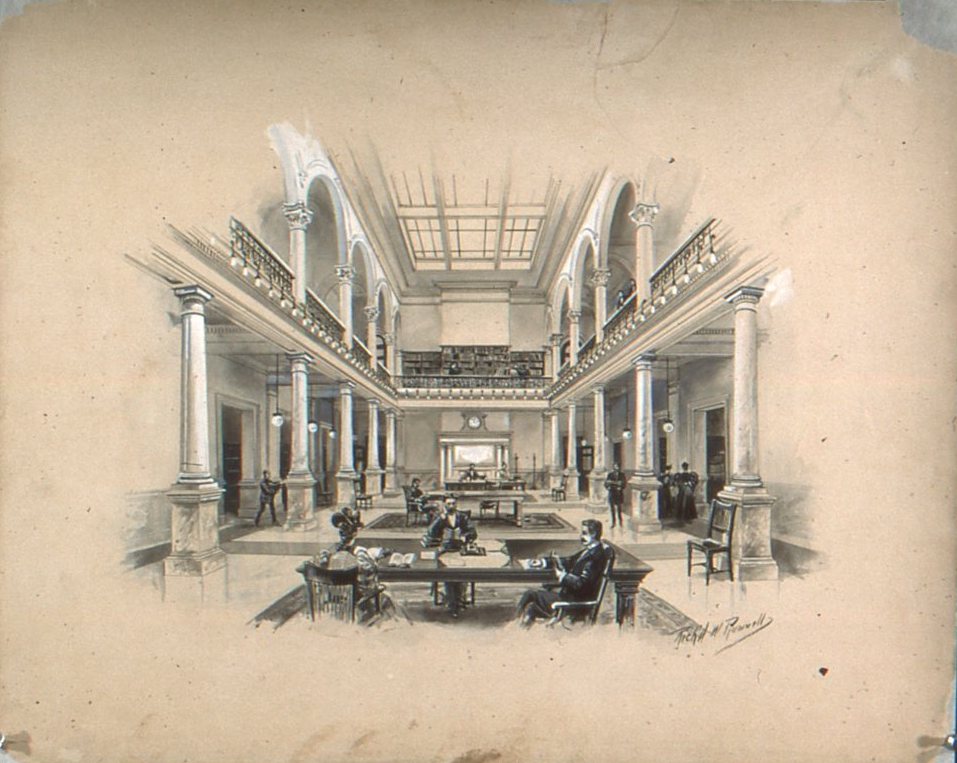
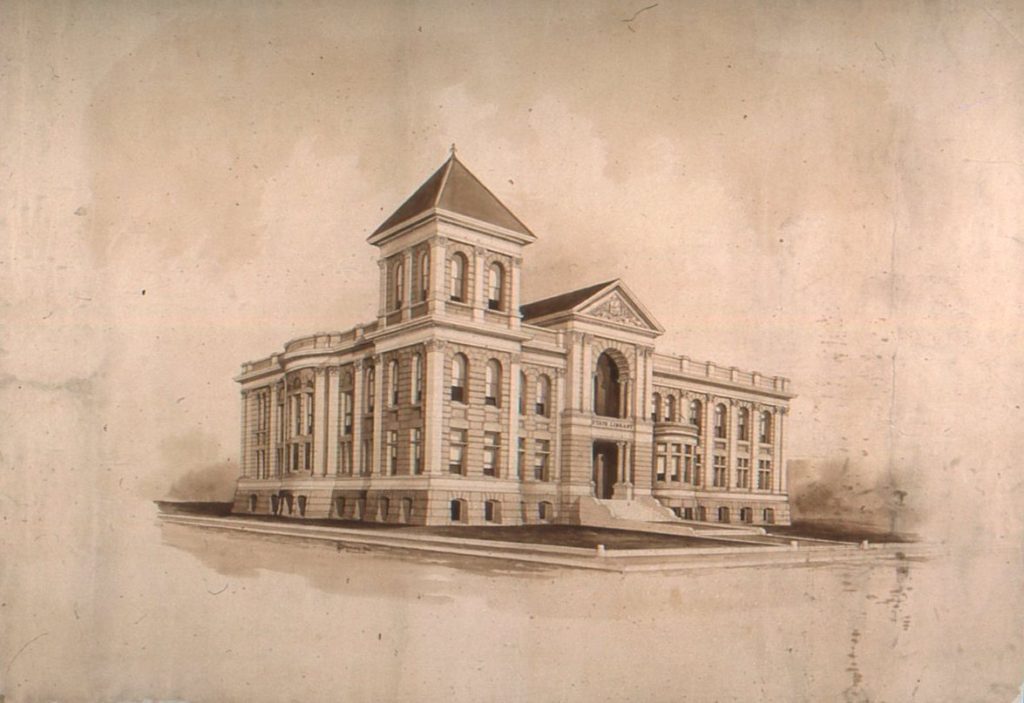
In order to capture as much detail as possible on this drawing, I set the pixels to the (near) maximum of 1200 and set a custom output to a ridiculously high size of 3000 by 4000 pixels to get as much detail as possible. Even then, when you zoom into the images, the images are somewhat pixelated.
Preferences for Digitization
The State Library holds a large print copy of these images. If given the choice of digitizing slides or large print images, I would certainly choose to digitize the print images. But in the case of my personal family photos — like many family photos — I have no choice but to digitize the slides.