Installing the Libby App by OverDrive Checking out an eBook Checking out an Audiobook Tip: Turn down your audio when the audiobook begins to play! Returning eBooks (or audiobooks) back to the collection early
NHDB Tutorials
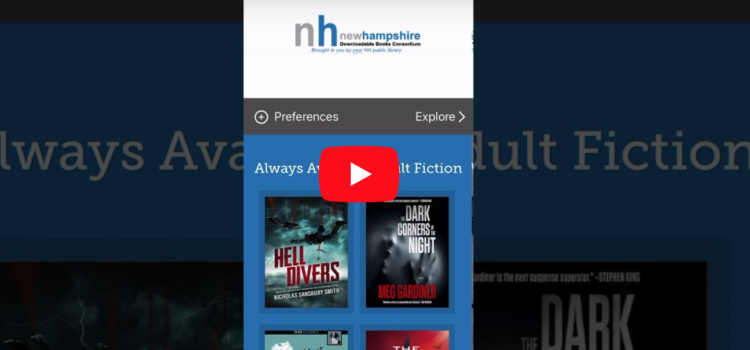

Installing the Libby App by OverDrive Checking out an eBook Checking out an Audiobook Tip: Turn down your audio when the audiobook begins to play! Returning eBooks (or audiobooks) back to the collection early
There is no excerpt because this is a protected post.
As a frugal tech librarian, I love nothing more than a deal on electronics. And I found one with the Kindle Fire, original/current price of $50. I didn’t know what to expect from a tablet purchased on sale for $35.
There is no excerpt because this is a protected post.
When relicensing metered access titles, double-check the NHDB Purchases Database for additional copies that we might have purchased under the one copy, one user model. For instance, see how only the 12-month license appears when viewing a title in Content
This is a blog post documenting my work to try to find a simpler way to deal with the HarperCollins licensed materials… Update: Thanks to Mindy, I think we have a decent option for identifying titles without any licenses remaining.
Knowing when to purchase metered access titles based on a time period can be tricky if you don’t know exactly when the copies run out. For that reason, I’ve created a database to keep track of the NHDB purchases. The
You can browse the NH Downloadable Books collection, checkout a Kindle Book and read the eBook all on your iPad or iPad Mini. View and download these instructions in PDF. Kindle Books on iPad June 2014 Read More Complete Kindle
Select your device to find instructions, tips, and requirements for the devices below. Kindle e-Ink Kindle Fire Nook HD Nook HD+ Nook Simple Touch Nook Moonlight iPad Android Tablet