
It is possible to manage your Kindle collection of books and documents from “Your Content and Devices” section of the Amazon website.
From the “Content” tab and by clicking on the “Actions” […] button, you can send titles to the preferred device.
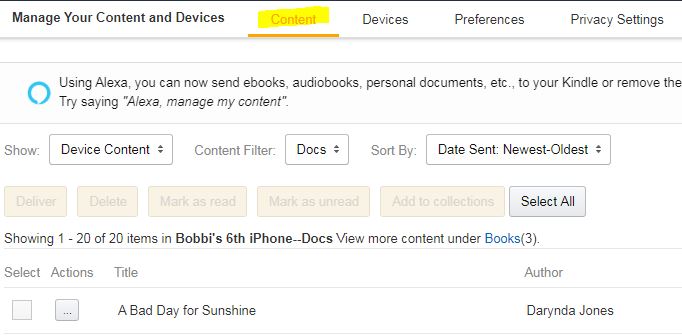
But if you want to delete or organize the content on a single device, head to the tab that reads “Devices.”
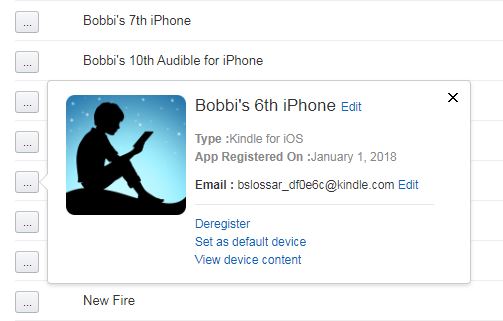
From the “Actions” column, click once on the […] button corresponding to the desired device.
- Select a device that is registered to your account…
- Click on “View device content.”
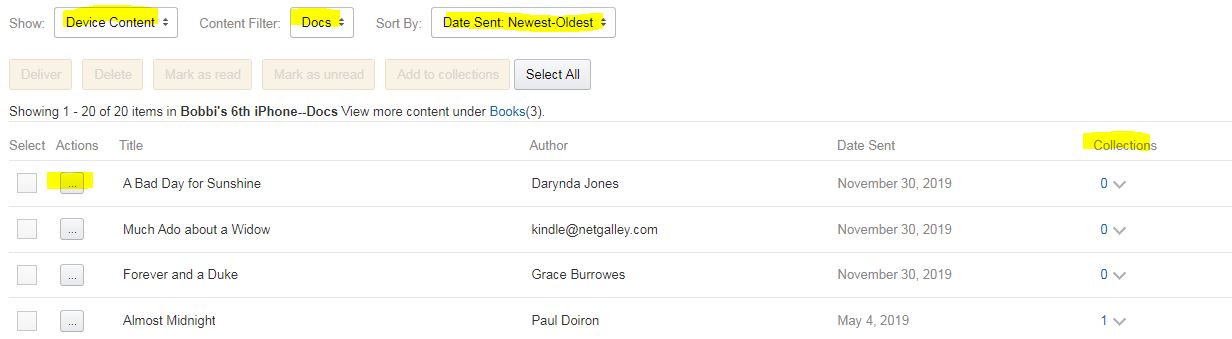
Note that there are different sections for books (purchased and borrowed titles) and docs (often galleys sent from NetGalley).
Note the “Actions” column corresponding to each title…
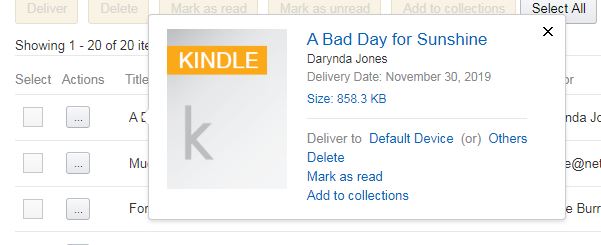
Click on the corresponding “Actions” […] to either delete, mark as read, or add to a collection.
Managing Kindle Devices & Content