
Our magazine article vendor, EBSCO, has a new iPhone app available for download. There are multiple steps involved with obtaining and using the app.
Instructions: (Click to enlarge the photos!)
- Log into EBSCO from a desktop computer or through the Web browser of a mobile device.
- Once logged in, enter into a database.
- Scroll to the bottom of the page and look for the link: “EBSCOhost iPhone/iPod Touch Application.”
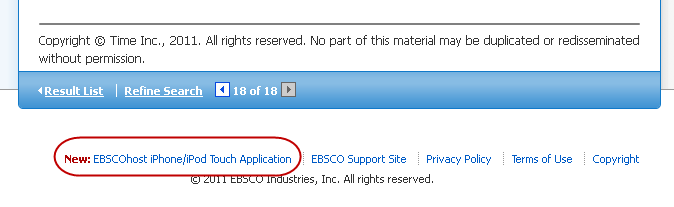
- Click on the link.
- Provide an email address you can access from your iPhone/iPod Touch.
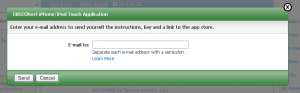
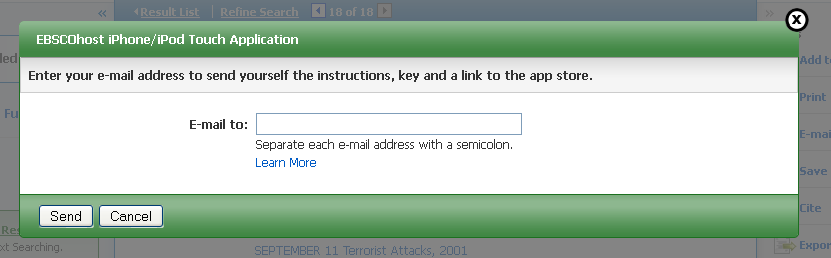
- Open your email on your iPhone or iPod Touch.
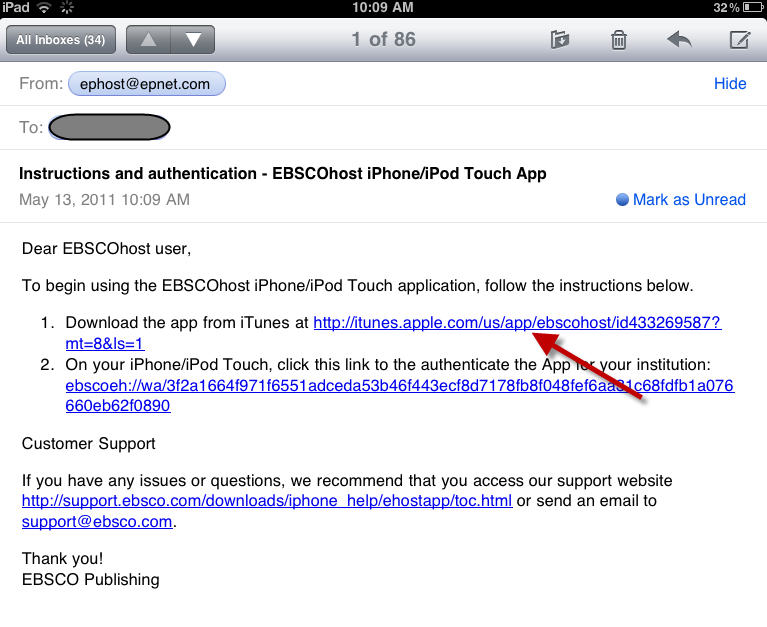
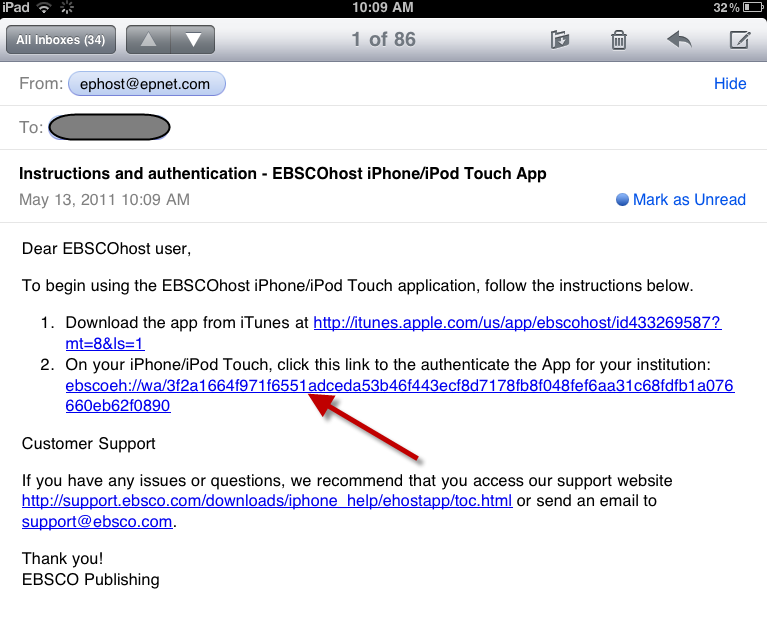
- The email will include two links.
- Click on the link that brings you to the app store. It will open directly to the EBSCO app.
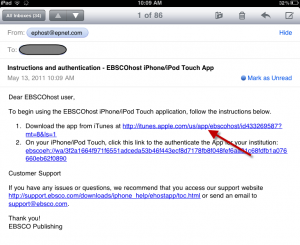
- Install the free app.
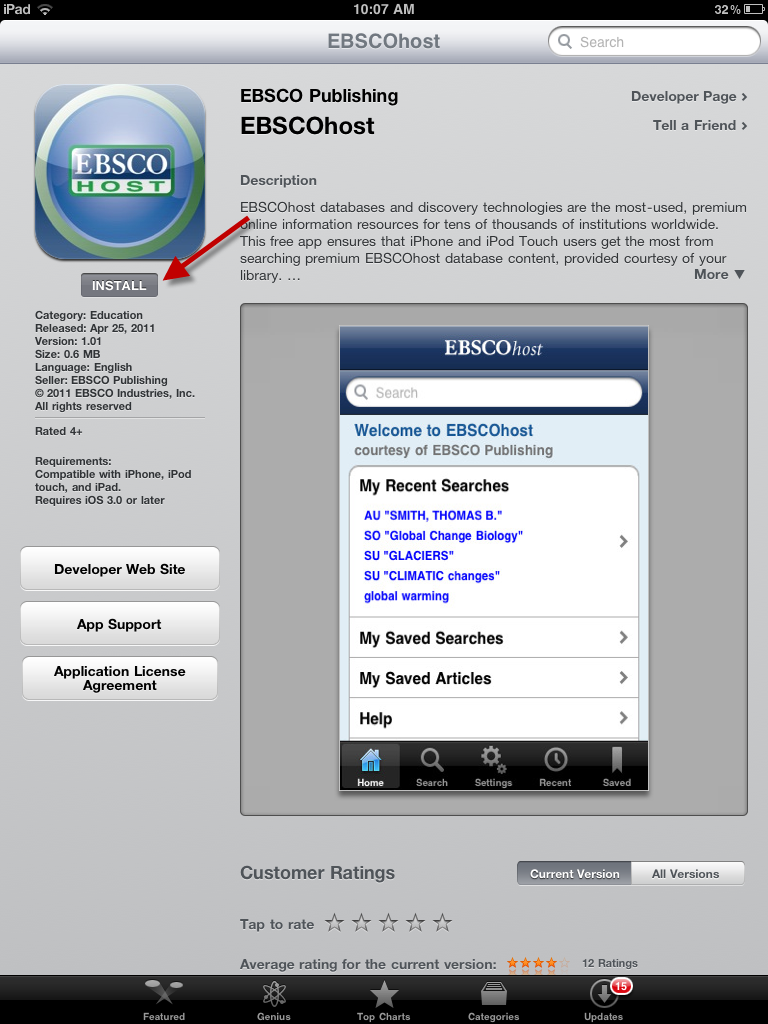
- Don’t open the app yet. You need the login token.
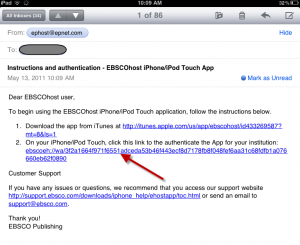
- Reopen your email.
- Click on the second link to authenticate your app.
- The EBSCO app should open and provide the name of the library.
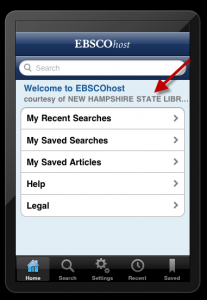
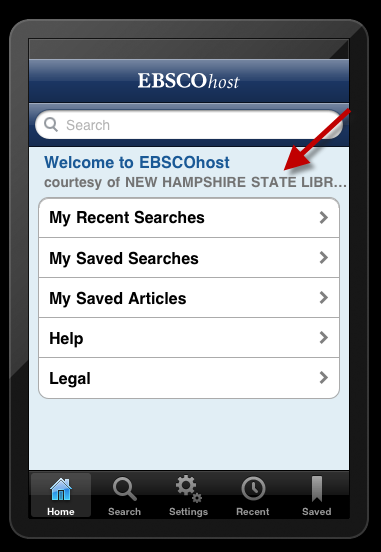
- You can now search EBSCO on your iPhone or iPod Touch (or iPad — but it’s not optimized for the iPad).
EBSCO iPhone App: Installation Instructions
This is way cool, Bobbi! Your instructions worked like a dream on my iPhone! I just saw the press release this morning and on the heels of that I saw your blog post. Sweet!
Thanks, Christine! Glad it worked well for you. Now I want a really good iPad app…
Bobbi 😉