
Adding a card to the Library Card Manager is simple!
- Log into the site. (Ask me for username and password information.)
- From the tab “Library Cards, ” click on the submenu “Add Card.”
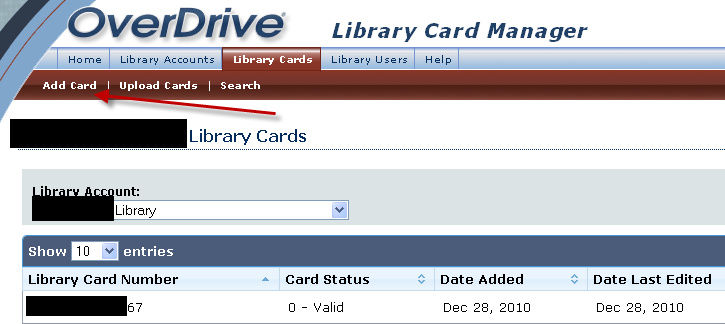
- Scan, paste, or type in the card number. Keep the card status as “Valid.”
- Add the card. The next screen will state that the card was added.
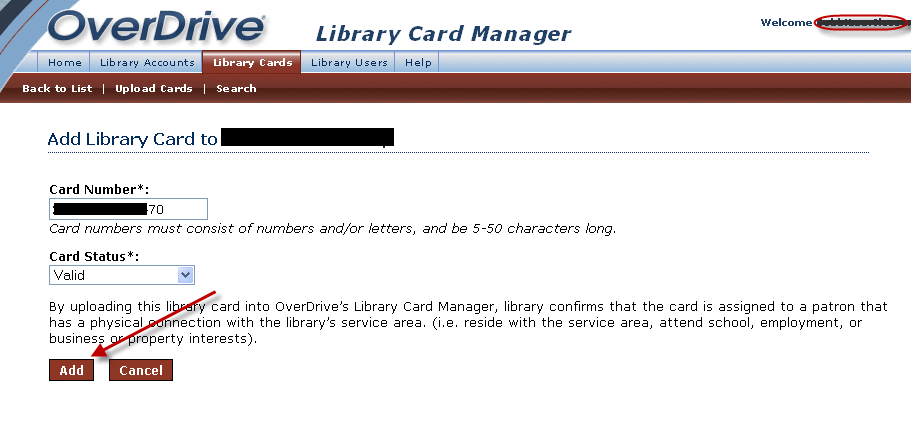
Adding a New Card to Library Card Manager