Have you wanted to know how to collect data using a Google Form? Here are the instructions!
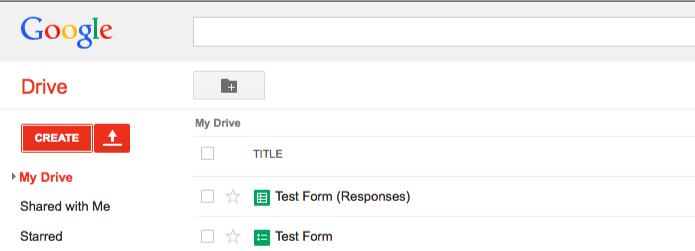
Log into your Google Docs/Drive account at docs.google.com
Click on “Create” and select “Form.”
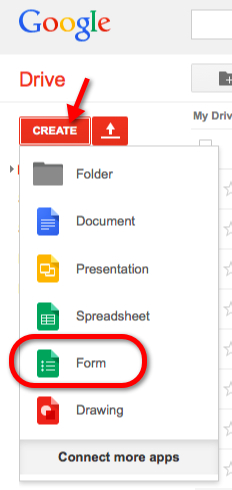 (Click to enlarge any image.)
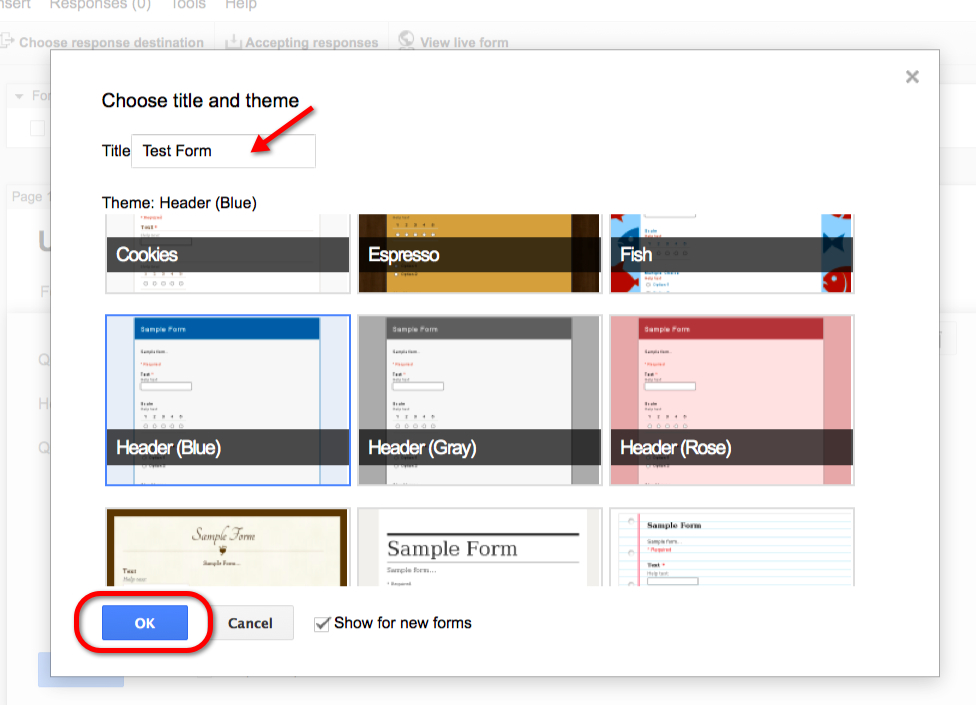
Give the form a name and apply a theme.
Edit the first question and select the desired type of question.
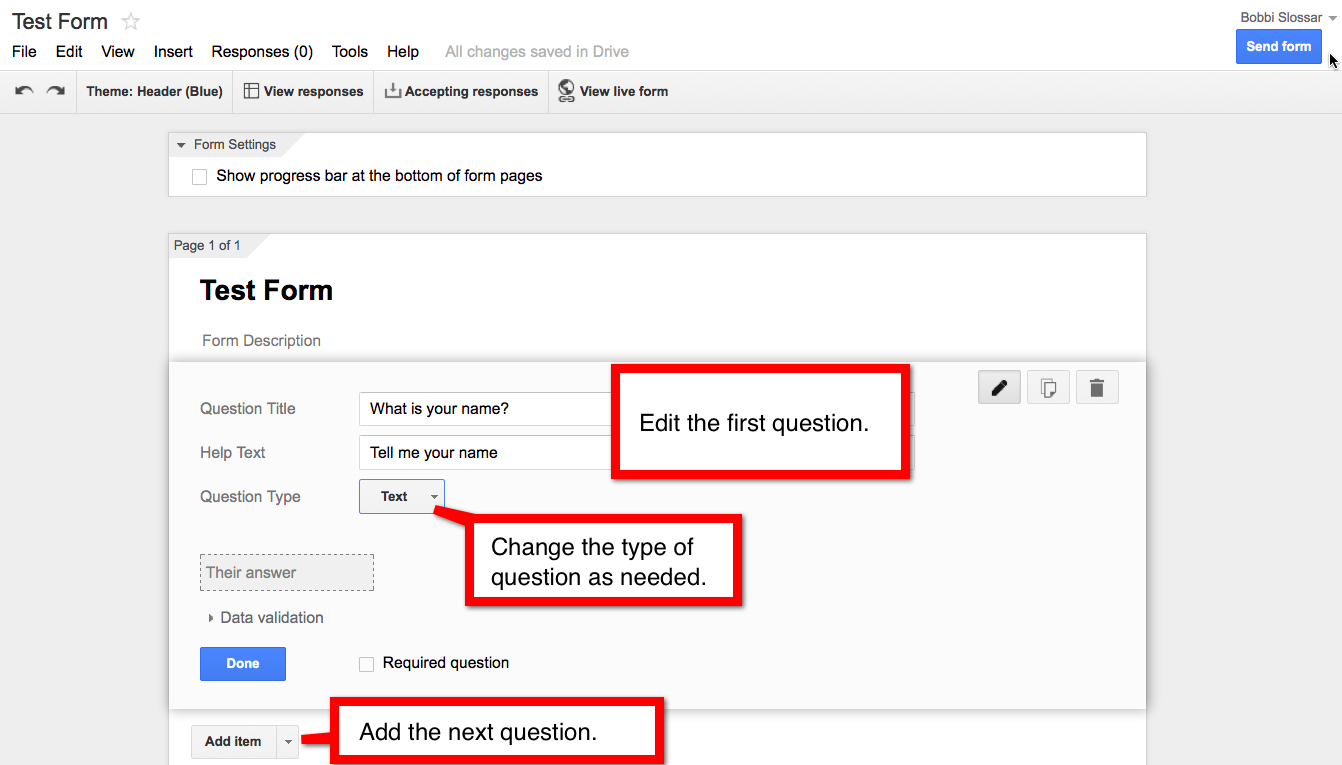
After you’ve added all of your questions, you’re ready to share the form. Click on “View Live Form” from the top of the page.

The new tab or page will load to your live form. Copy the URL and share with others!
How to view your responses:
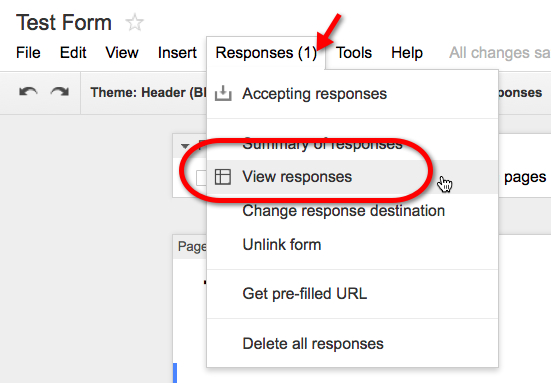
From the editable form, click on “Responses >> View Responses.”
A new tab or page opens to a spreadsheet containing your responses.
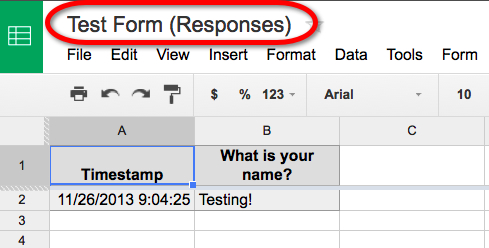
Now your main Google Docs/Drive will show both the editable form and the spreadsheet containing the responses.