One question that has come up a few times with users moving to the Explora interface is how to find the title lists for Academic Search and MasterFILE. Explora itself does not include a title list. Why not? Because Explora is an interface and does not offer independent content. Instead Explora aggregates the content from various databases — like MasterFILE or Academic Search — into a single interface.
Note that these instructions work best in the Chrome browser!
So even though Explora doesn’t offer titles lists, it’s easy to find the list of issues for a specific magazine. Let’s say I was looking for the newest issue of Time.
- From the Explora basic search, just search for any journal article from Time by typing: JN Time in the search box and press “Search.”
- Tip: JN works perfectly if you have the full and correct title. SO works better if you are guessing at the title.

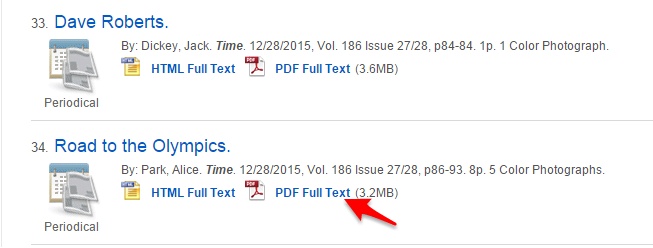
- All of the search results are from Time magazine. Click on any article title.

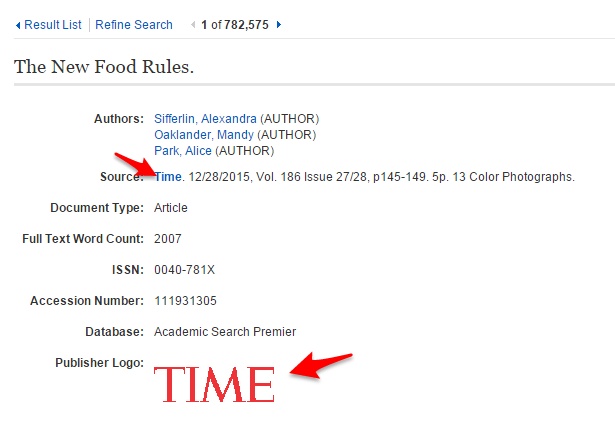
- Click on the magazine title or logo to be brought to the issues.
- Expand the issue dates, as needed, and click on the specific issue.
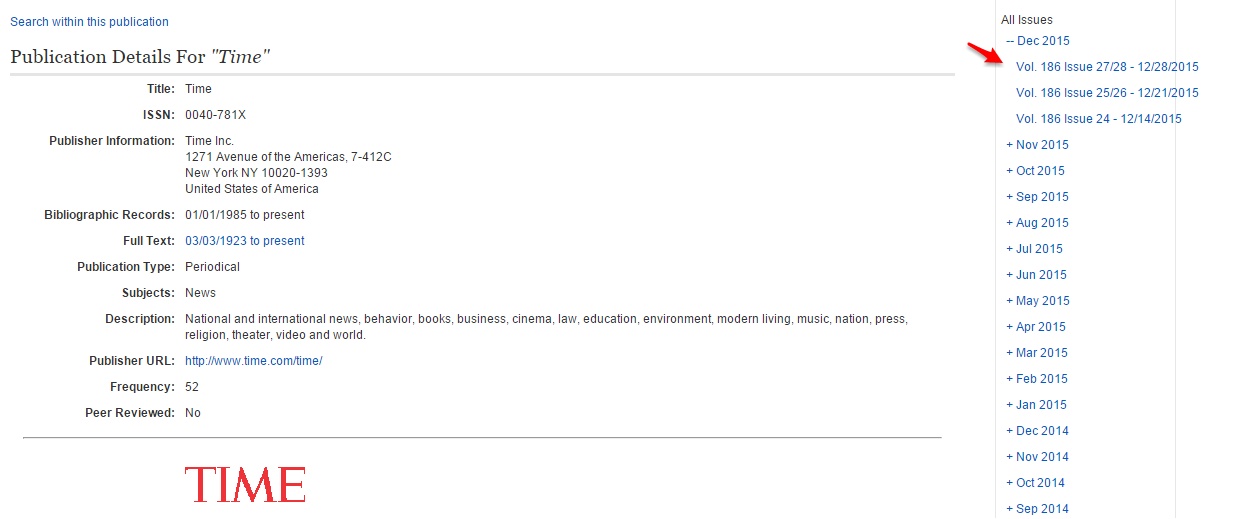
The entire issue is now available. Keep in mind that the articles are arranged in page number order.
Getting Patrons to What They Want to See:
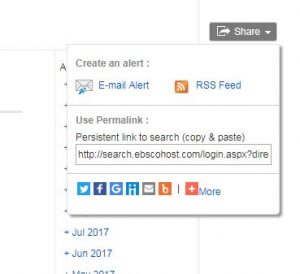
Additionally, you can share a permalink to the title’s item record, bringing the patron directly to this same spot:
- Find the “Share” button on the page.
- Copy and paste the permalink into your website, an email, or social media post.
- Let’s patrons know that they will still need to log into the site with their username/password or card number.
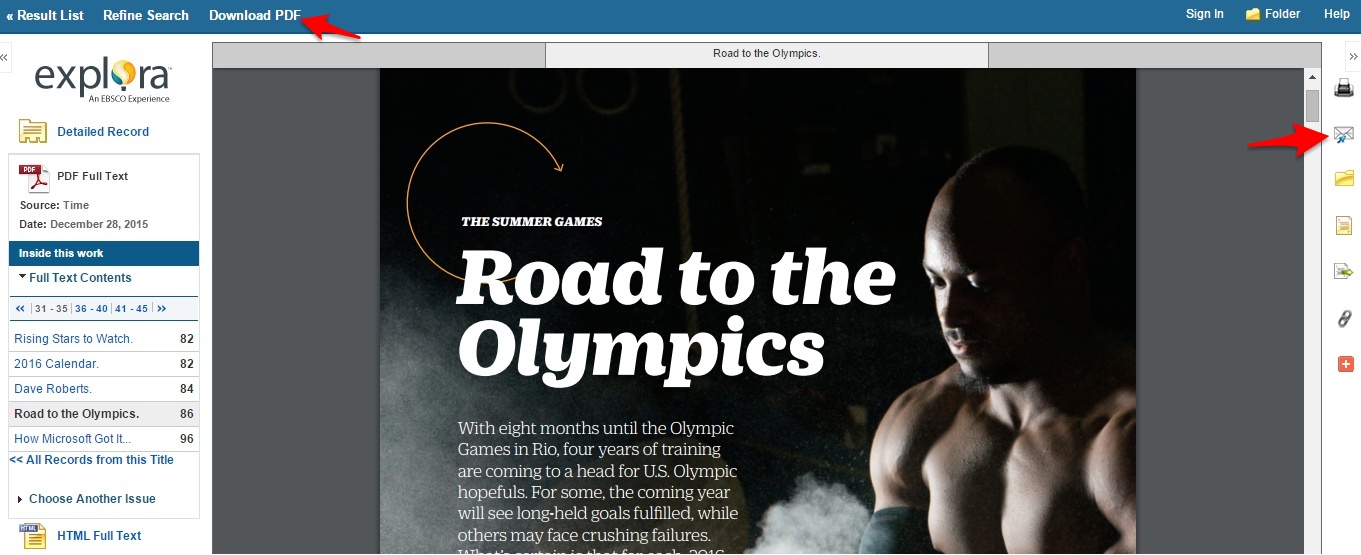
Bonus Tip:
Most EBSCO articles are available in full-color PDF now. Some articles are more fun to read in PDF versus HTML. And large screen tablets are excellent for reading these articles! It is possible to email a PDF article to your tablet or, if already using a tablet, to download the article and open it in the default PDF reader.