
How many times do we whip out our mobile phones to take photos of family photo albums and think, “well, that was easy” or “better than nothing.” I am guilty of doing this myself…

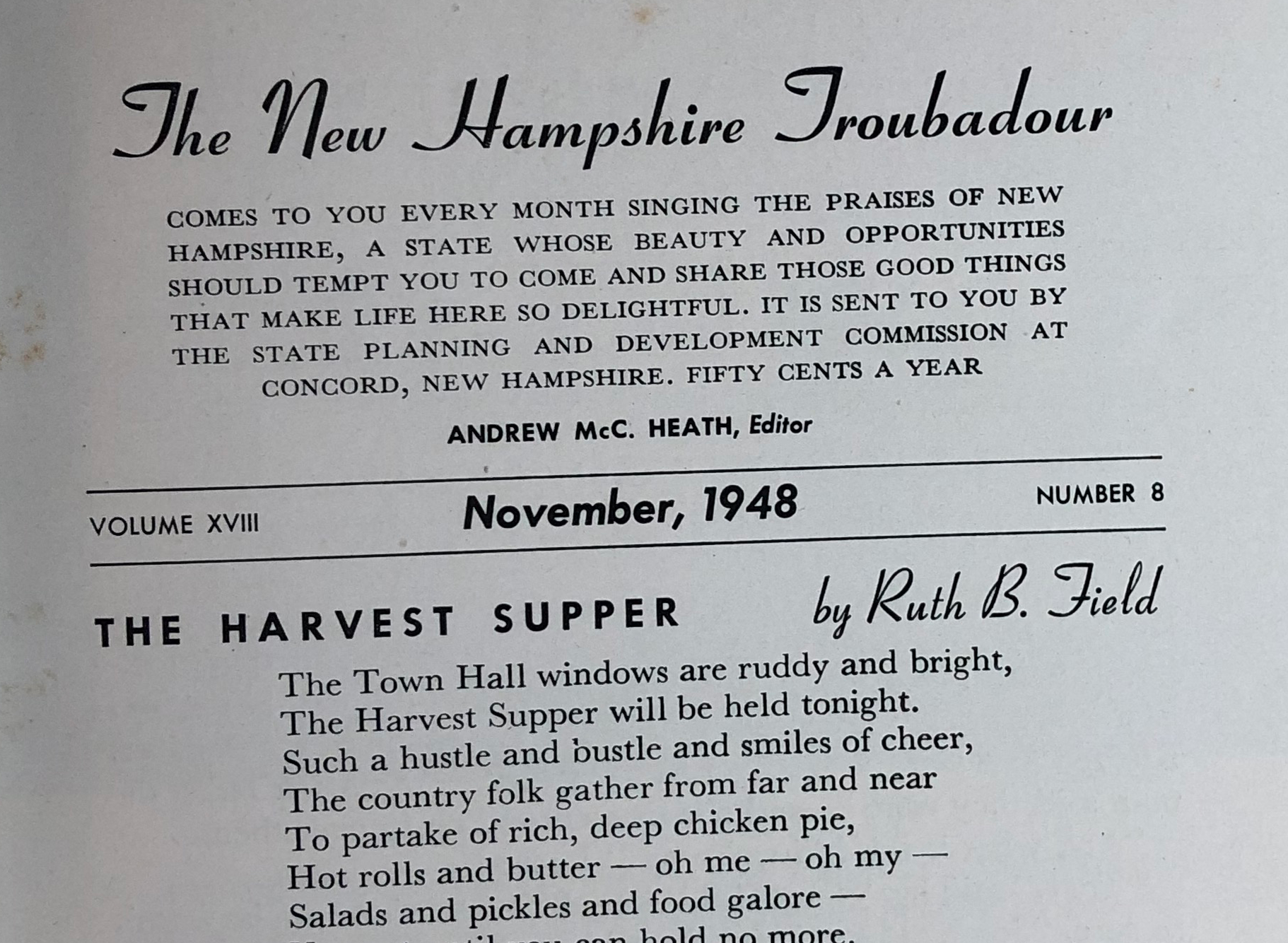
But what about cheating a bit and taking photos of materials for your digital libraries? Well, that probably depends on the objects you wish to capture. The text image here taken with my iPhone X looks pretty good at a readable level.
But what about taking photos with your iPhone of old photographs? Hasn’t the iPhone replaced your family camera? The image below looks pretty good. It was taken with an iPhone X and exported in full size at a file size of 1.2MB.
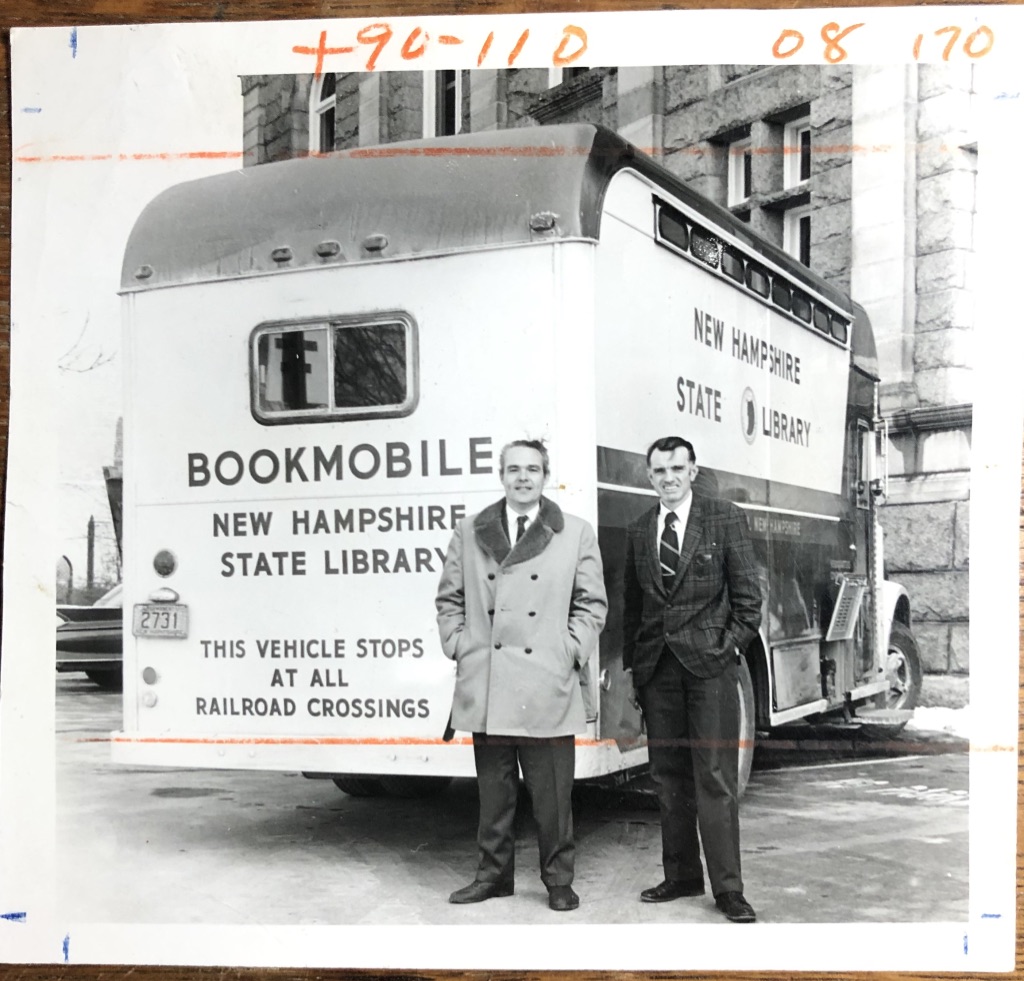
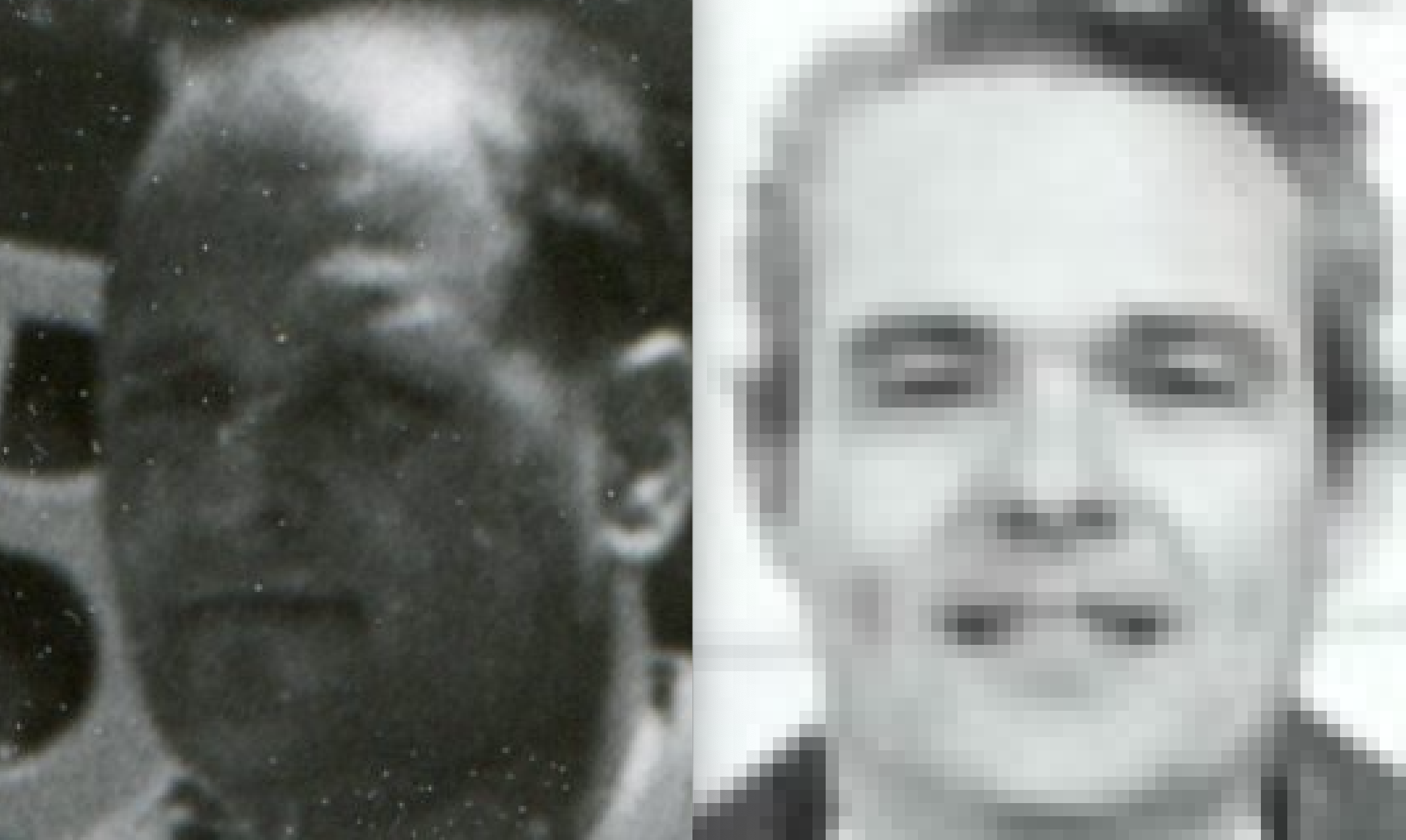
Let’s compare two items: the photo on the left was scanned with an older Epson scanner at 400 dpi. The photo to the right was captured with an iPhone X.
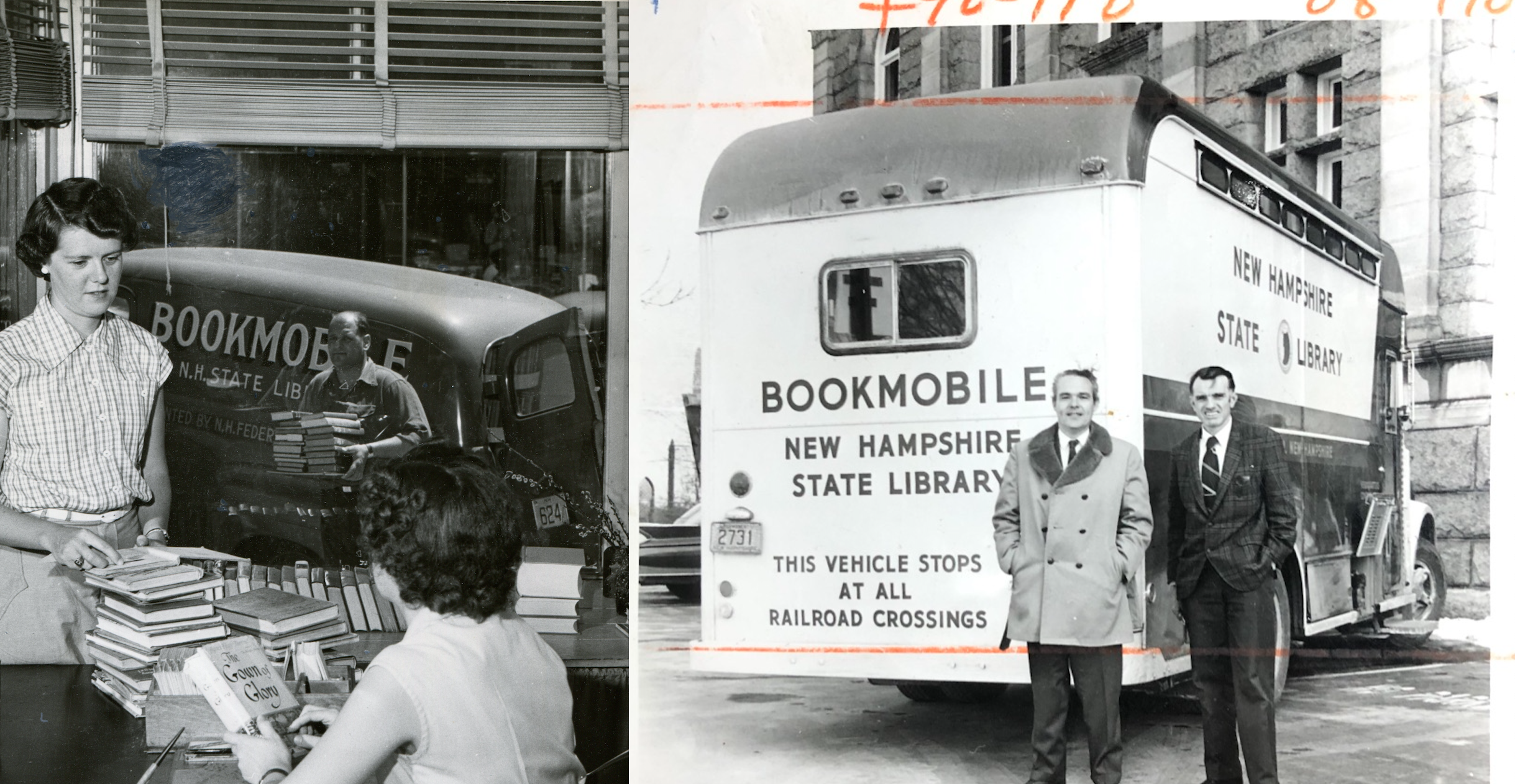
Here are the two images with some zoom.
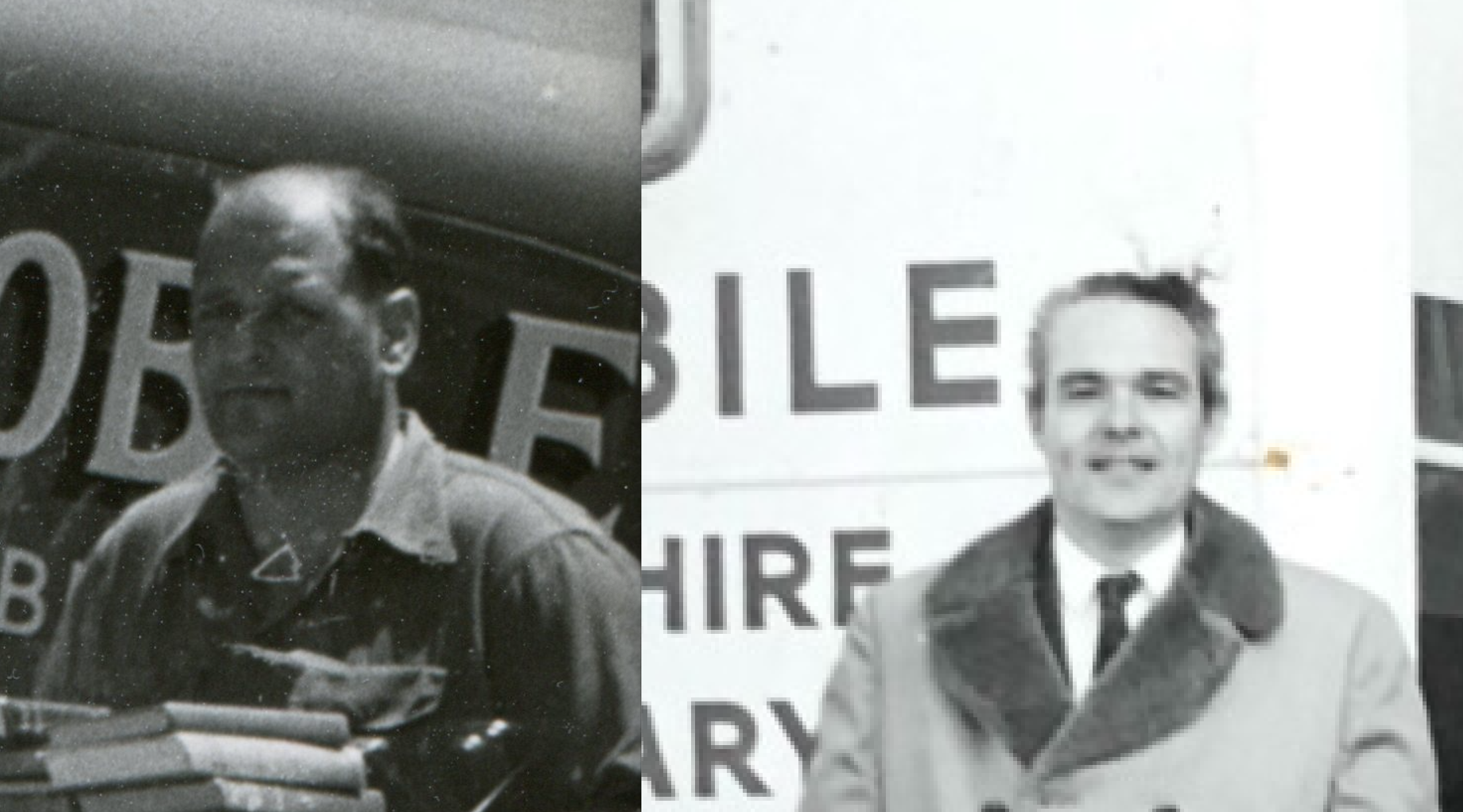
And here is an extreme zoom. You can tell that the image captured with the scanner does a much better job of capturing the image.
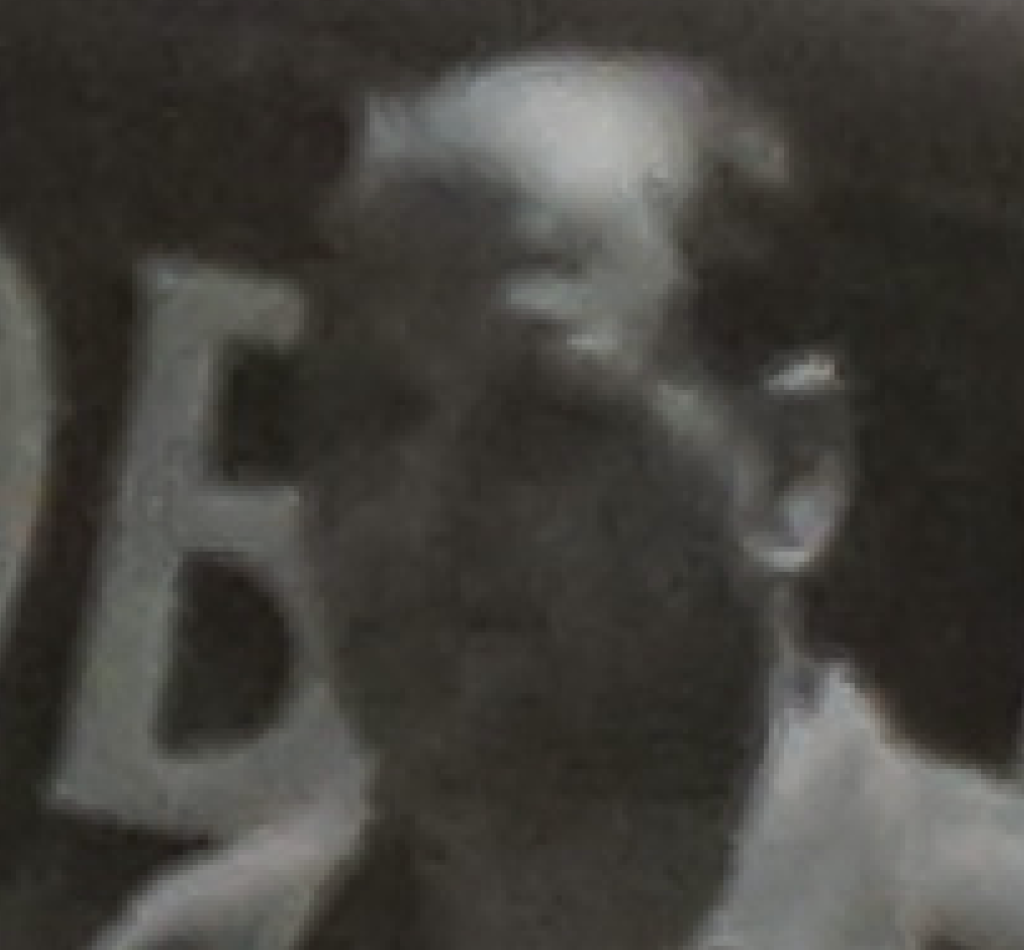
And here is a photo taken with a higher-end Sony DSLR. Note that while the image does not look pixilated, it lacks the definition found in the scanned image.
Check out the NH Digital Library imaging guidelines for more information.
Of note: Perhaps I am missing an important setting to capture images better on the DSLR.