In this short tutorial, you are going to learn how to assign metadata to a digital object.
Information used to describe an object is called metadata. As librarians, we use metadata everyday to help patrons find library books. Can you imagine a metadata-free library with no system in place to find books by title, author, subject, or genre? What a mess it would be! Metadata about digital objects, like photographs or documents, includes much of the same information we use to help us find books: a title, an author, subjects, etc. However, since we are dealing with digital replications of the physical items, we also need to tell people other things about the object, such as if it is a photograph or text document, where the physical item can be found, and how it can be used.
Let’s describe — or assign metadata to — this photograph of the NH State Library.
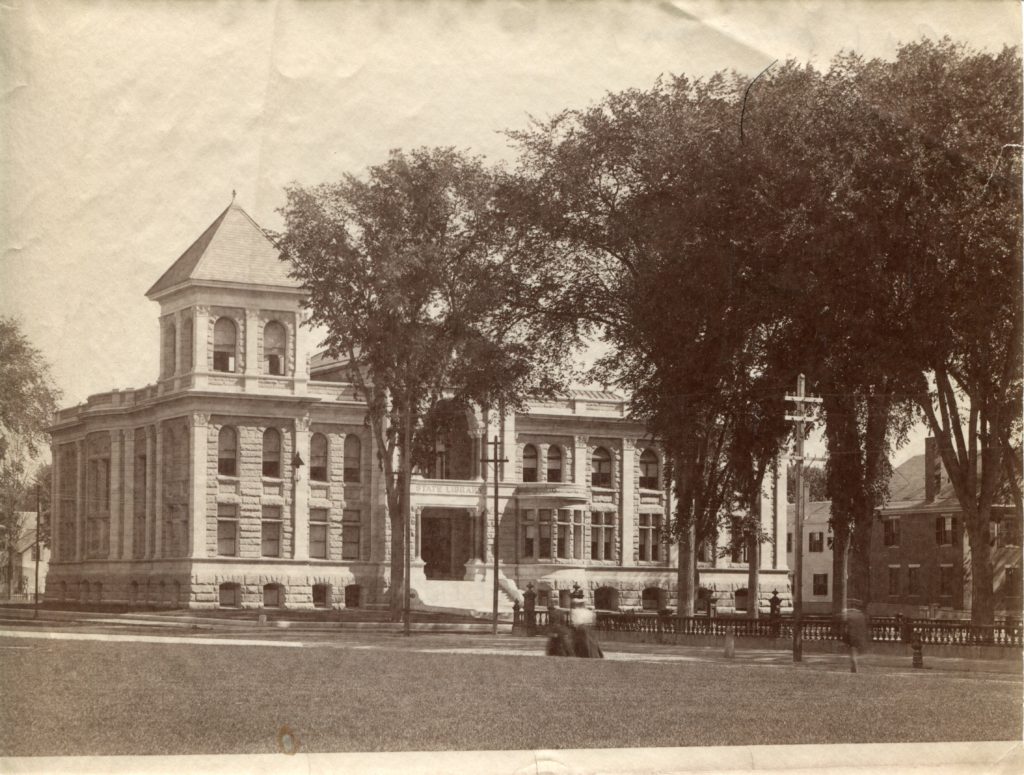
Click to enlarge. 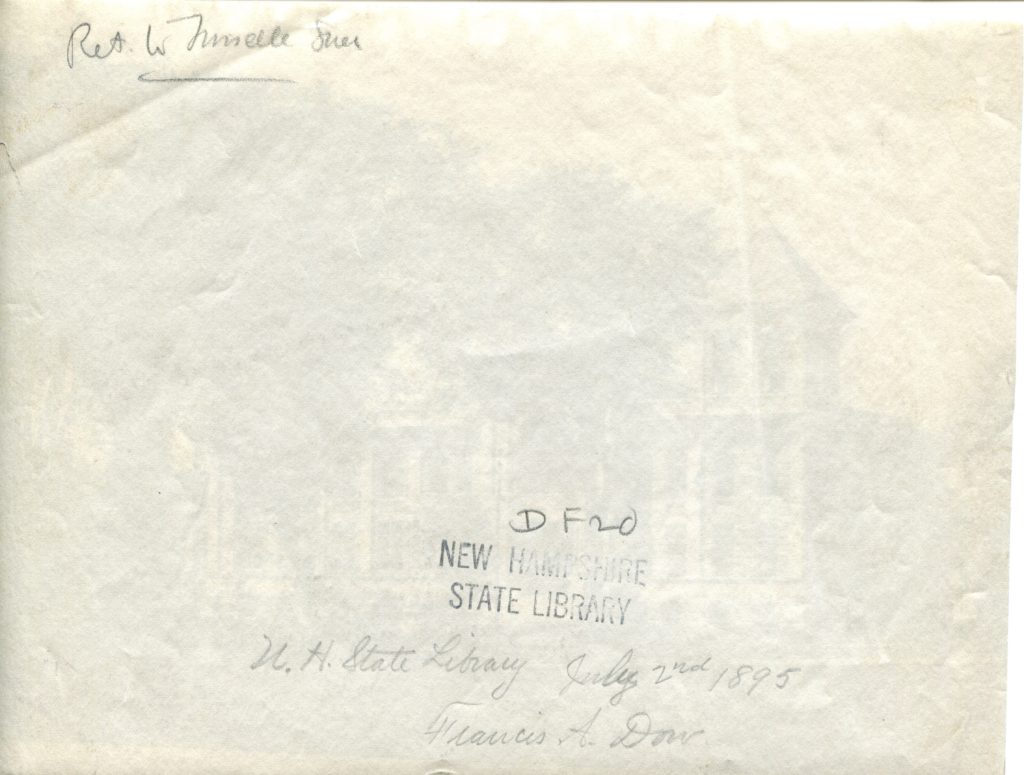
Click to enlarge.
If you were holding the item in your hands versus viewing the digital images you would know the following:
- It is a single photograph.
- The photo appears to be old.
- The photo depicts a stone building.
- There are notes on the back of the photograph.
- The photograph is located at the New Hampshire State Library.
This is all information that we need to convey to the digital-user with metadata. Based on the information above and within the two digital images, what metadata would you provide about the photo?
Let’s describe the bullet points above in metadata language:
- The Dublin Core element used to describe the original object is “type.” In this case, the type is a StillImage.
- The date the photo was taken appears on the back of the photograph. The element used to describe this is date: 1895-07-02.
- The building is known to you as the New Hampshire State Library and that is confirmed by the caption on the back of the photograph. You can use this information to provide information about the creator, item description, and title. For instance:
- Title: New Hampshire State Library, Concord, New Hampshire, 1895
- Description: The New Hampshire State Library in Concord, NH. taken July 2, 1895, shortly after its construction. Photograph taken by Francis A. Dow.
- Creator: Dow, Francis A.
- The physical photograph is located at the New Hampshire State Library. The element used would be “provenance.”
Now let’s get into more detail about these and other things that the DPLA will require or strongly recommends you include. Note that many of the descriptions were taken directly from the NH Digital Library Metadata Standards page.
Identifier: An unambiguous reference to the resource. This is a required element.
I recommend that each library use their HSA code as a way of identifying objects from their library and avoiding duplication across the state. For instance, NH State Library’s HSA code is NHSL, therefore, each digital object would have an identifier beginning with NHSLxxxx, with the x’s being a number.
Hint: If your items are already numbered as part of an inventory, add the HSA code to the items. If not, simply use the HSA code and start numbering. The important thing is that each object has its own unique number.
Language: Required when the object contains readable text.
Examples include:
- eng (English
- fre (French)
- gre (Greek)
- lat (Latin)
- spa (Spanish)
Rights Statement: This is a required element with a set of pre-assigned terms to select from.
The NH Digital Library group will hold a DPLA workshop on determining copyright. For the purpose of this online tutorial, please select from the abridged selections.
Title: Each item must have a title.
The title provides a concise description of the object. Look for a caption or title. If none exists, look for clues on the object. Include the creator of the item (if known) and the subject matter in the title, particularly the location (if known). Capitalize the first word and any proper nouns.
Type: A term broadly characterizing the type of resource being described. This is a required element.
Examples of types are MovingImage, Sound, StillImage, and Text.
Provenance or Physical Repository: Must be included.
This is where the object can be found. If you are scanning photographs from your library’s collection, all of the objects would have the same provenance (your public library name).
Creator: If the creator is known, it is strongly recommended to include the information.
For personal names, use “Lastname, Firstname.” For studios or institutions, simply enter the name as written.
Date: The date or date range is strongly recommended to include.
When an exact date is known, use YYYY-MM-DD or YYYY-MM or YYYY. It is also possible to add a date range (1910-1920).
Description: While a description is “strongly recommended” by the DPLA, always try to include a description.
A free-text description of the resources. The description should be written in complete sentences. Do not use abbreviations, ampersands, or paragraphs/line breaks. Maintain standard capitalization rules.
Location: The location or area that is described or represented by the object.
Enter the most specific element of the location known (e.g. city or village) followed by the state name.
Subject: Topic of described resource. Generally, this field will contain terms that describe what is depicted in an image, or terms that describe what a text is about.
For the purpose of this online tutorial, describe the resource the best you can using common terminology. The use of subjects will be discussed further at upcoming meetings.
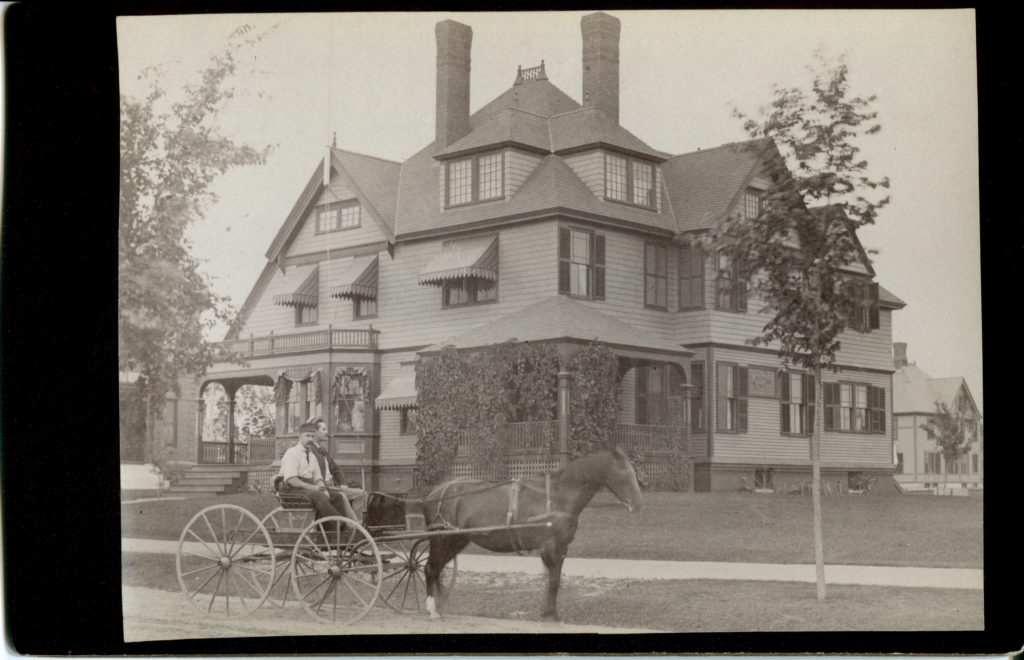
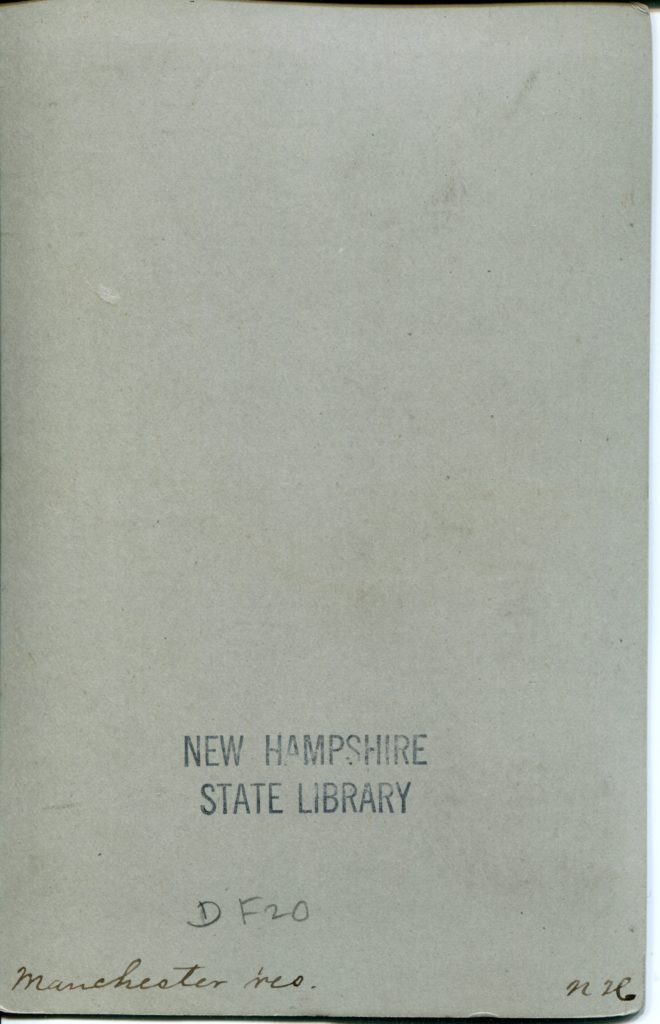
Assignment: Provide metadata for this object, pretending that it is a physical item.
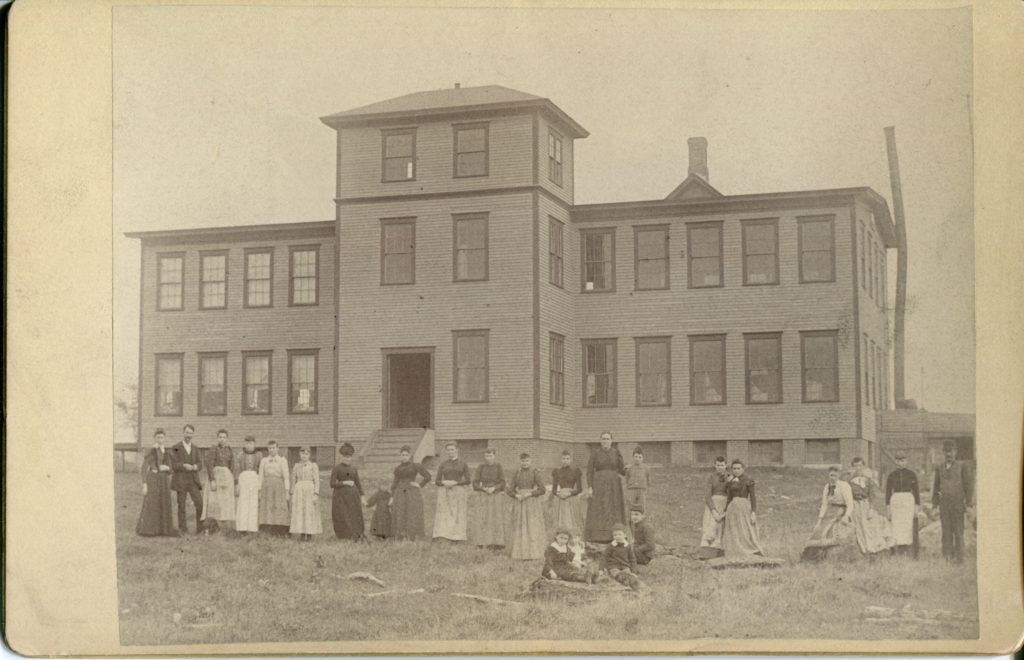
Click to enlarge. 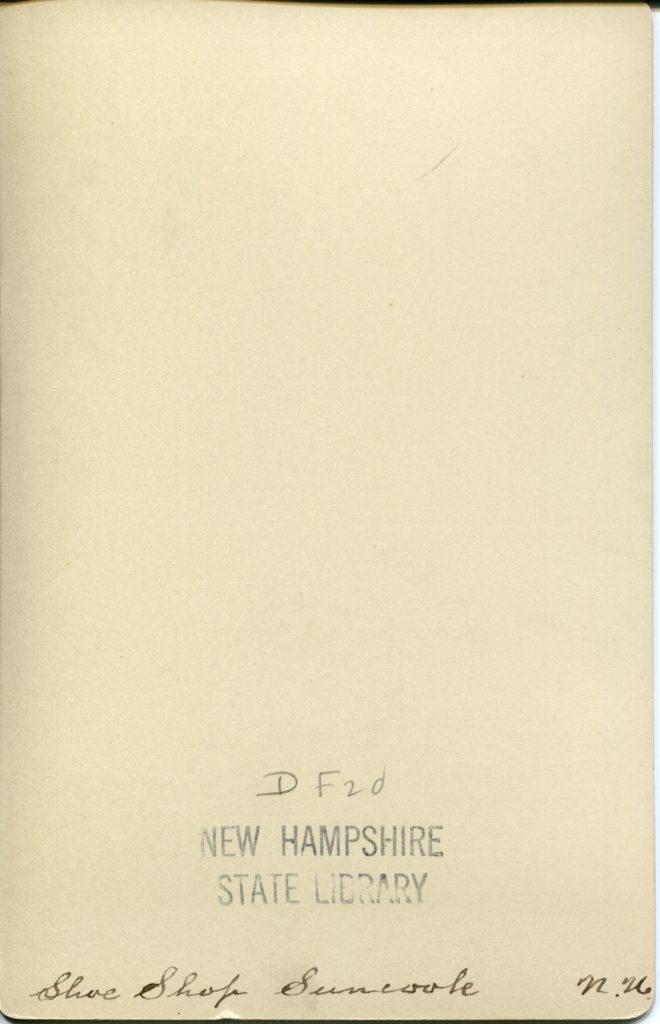
Click to enlarge.
How about another? After submitting your answers to the above photo, you can try again.