
Here are some tips on using NoveList Plus!
Select NoveList Plus from the main menu at http://search.ebscohost.com

Click to enlarge any image.
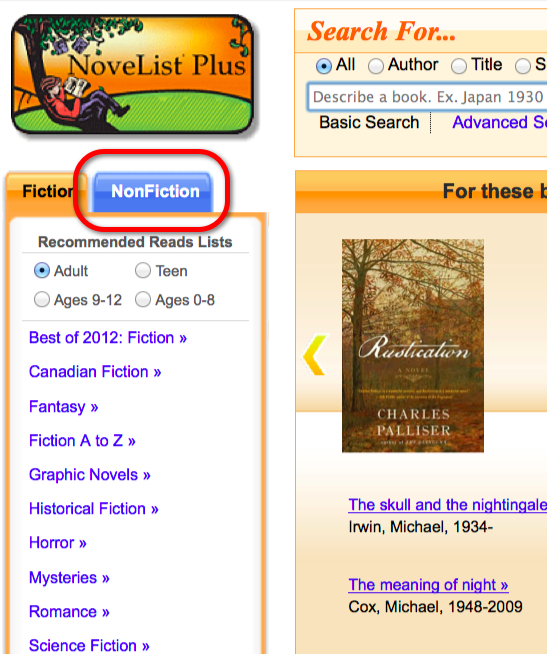
Note the nonfiction tab to the left of the home page.
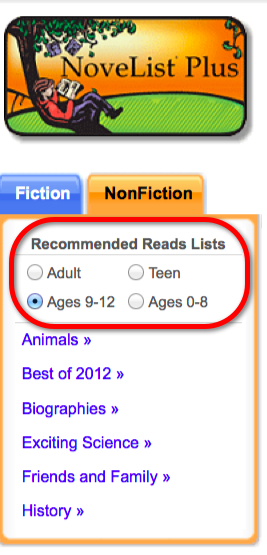
Select the desired age group…
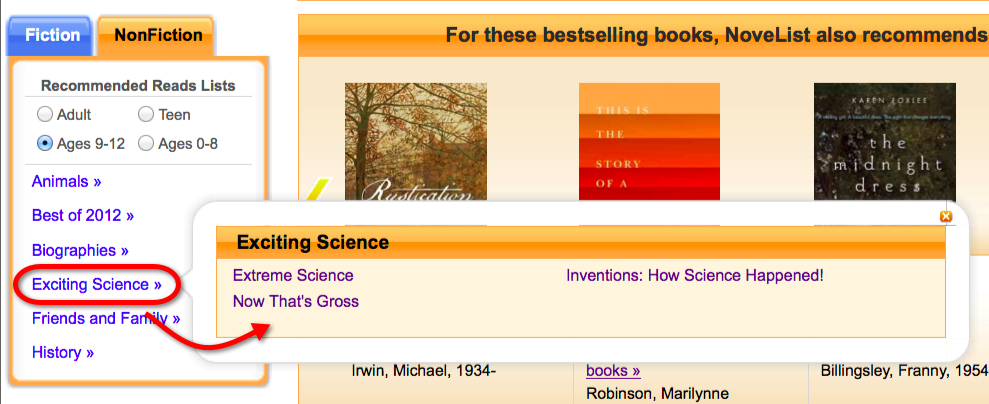
Note the additional reading lists!
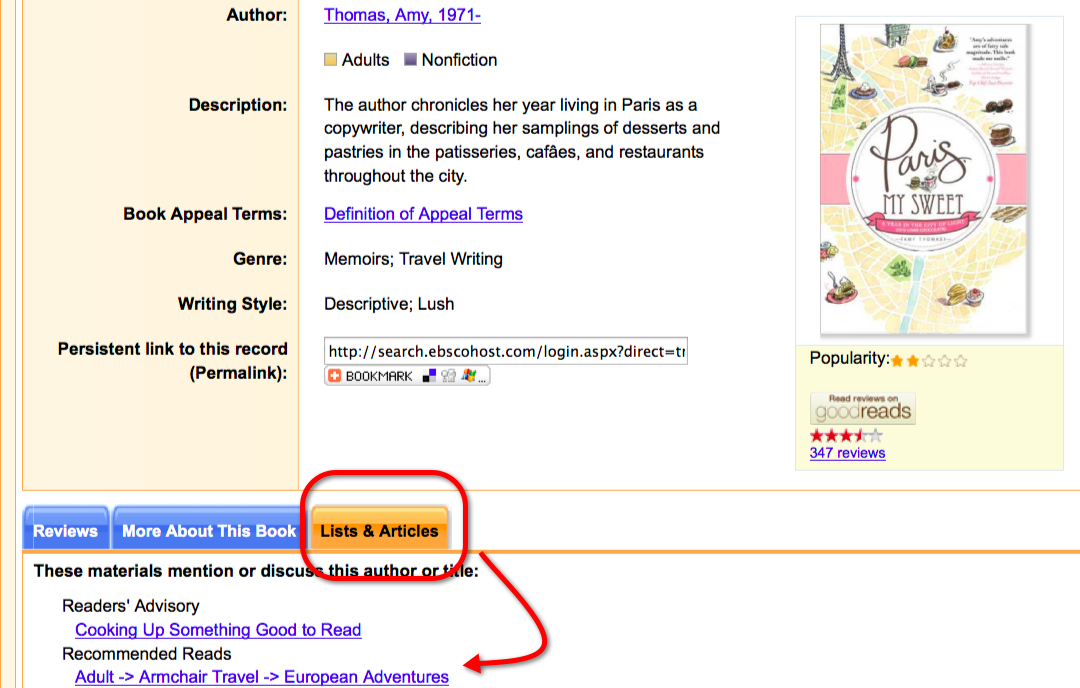
When viewing an item record, check out the “Lists and Articles.”
Enjoy!
NoveList Plus