
Every librarian packing a smart phone needs a way to look up and remember titles on the fly. Goodreads does just that. Use the power of your phone’s (or tablet’s) rear-facing camera to scan the ISBN and gain access to the record.
Scanning
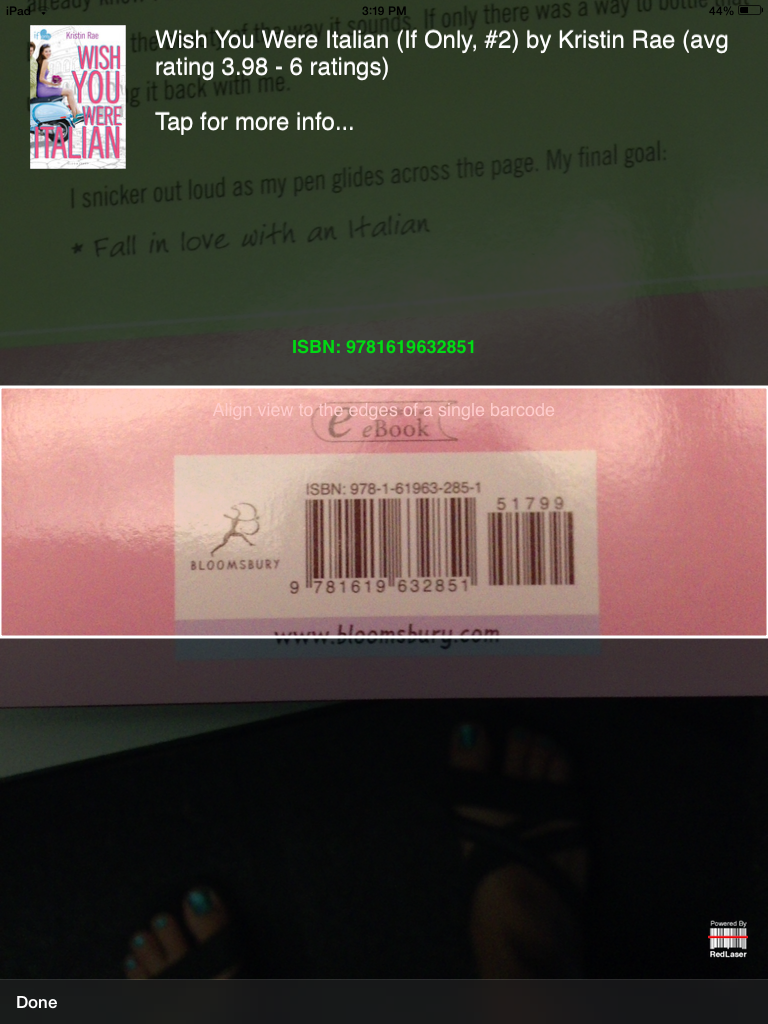
Get up close and personal with the ISBN — really focus in on the image. Provided you have a strong wireless or cellular connection and a steady hand, you should see the book cover and title pop up on the screen. Press done.
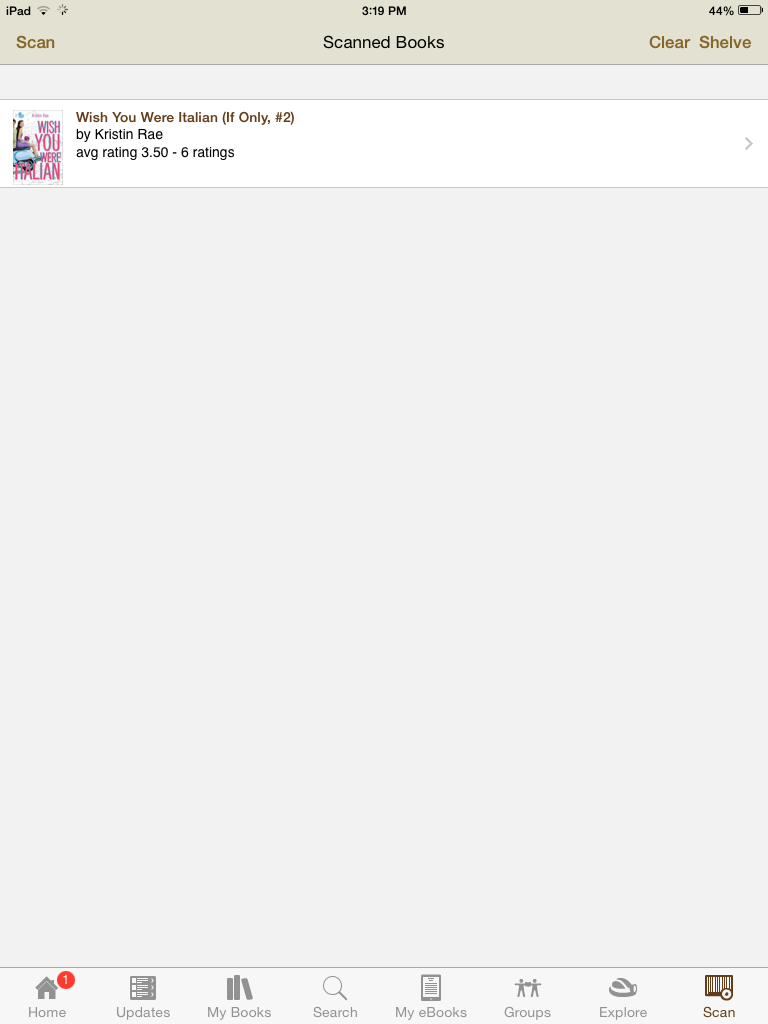
Tap the title to view title information.
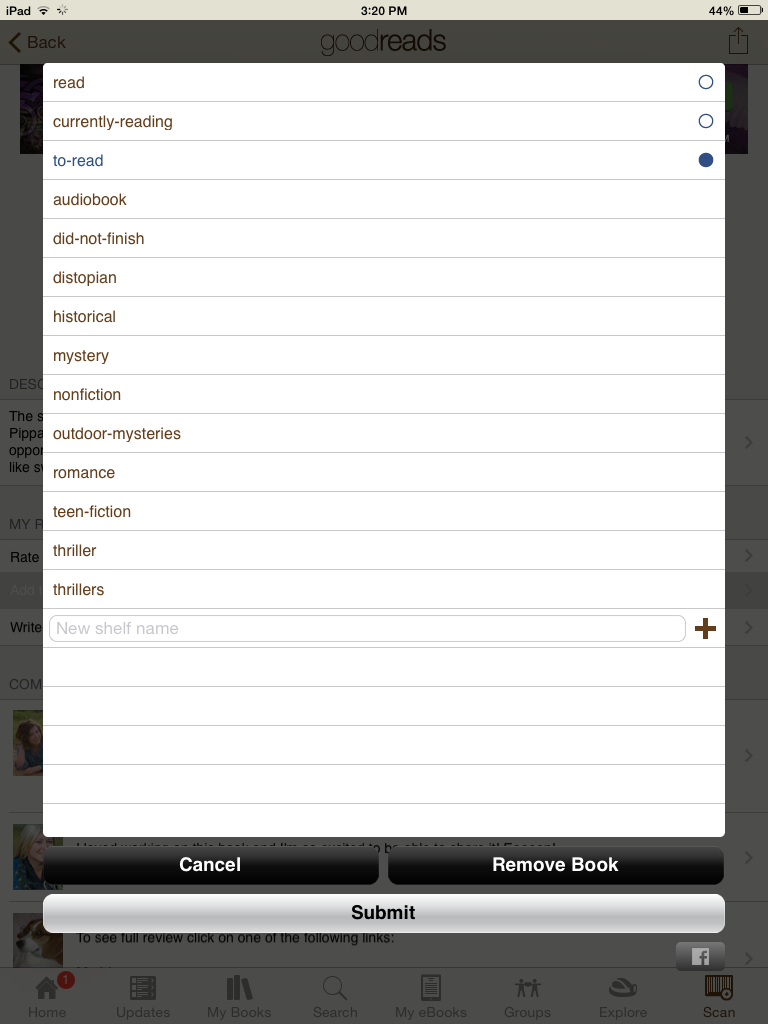
 View the description, read user reviews, or add the book to your own reading lists (tap: Bookshelf).
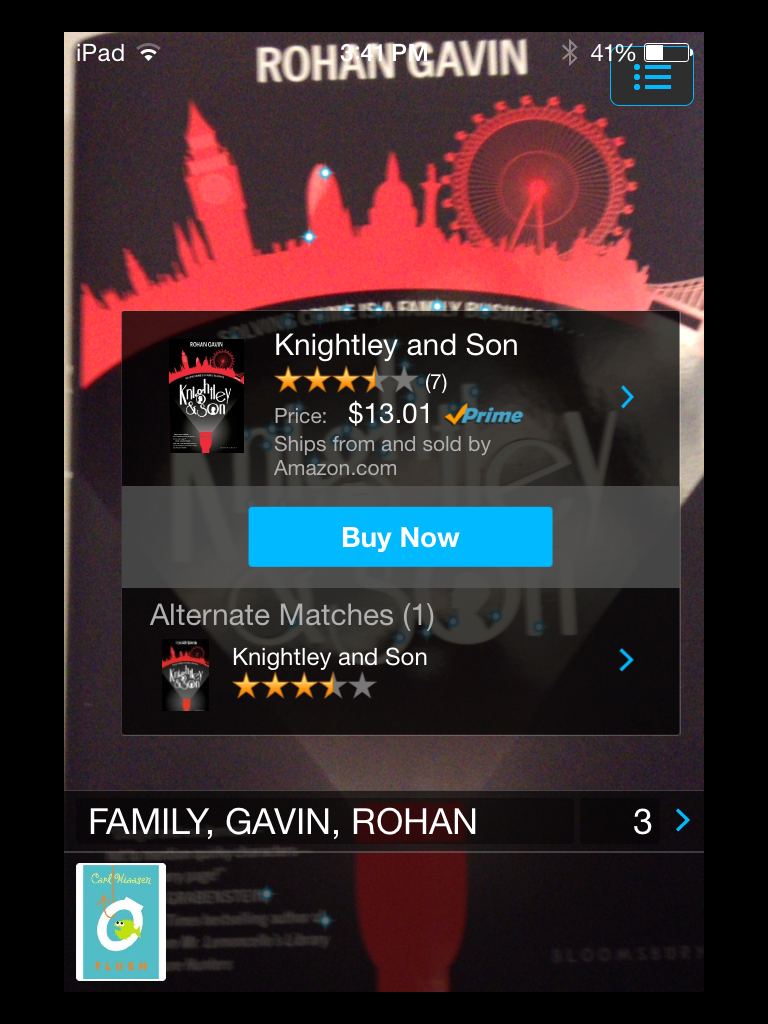
Goodreads isn’t the only app for the serious reader. If you want to experience the cool technology implemented in the new Amazon Fire phones — without owning an Amazon Fire phone — download “Flow.” With Flow you don’t scan the ISBN, which can be tricky with our mylar covers, you just hold the rear-facing camera right up to the book cover and let Amazon analyze it.
There are also a slew of so-so library apps that will allow you to enter a book, add subjects, and even connect with your contacts to let your checkout a book to a friend. In the past, I found one that will even send you a reminder if your friend is overdue.