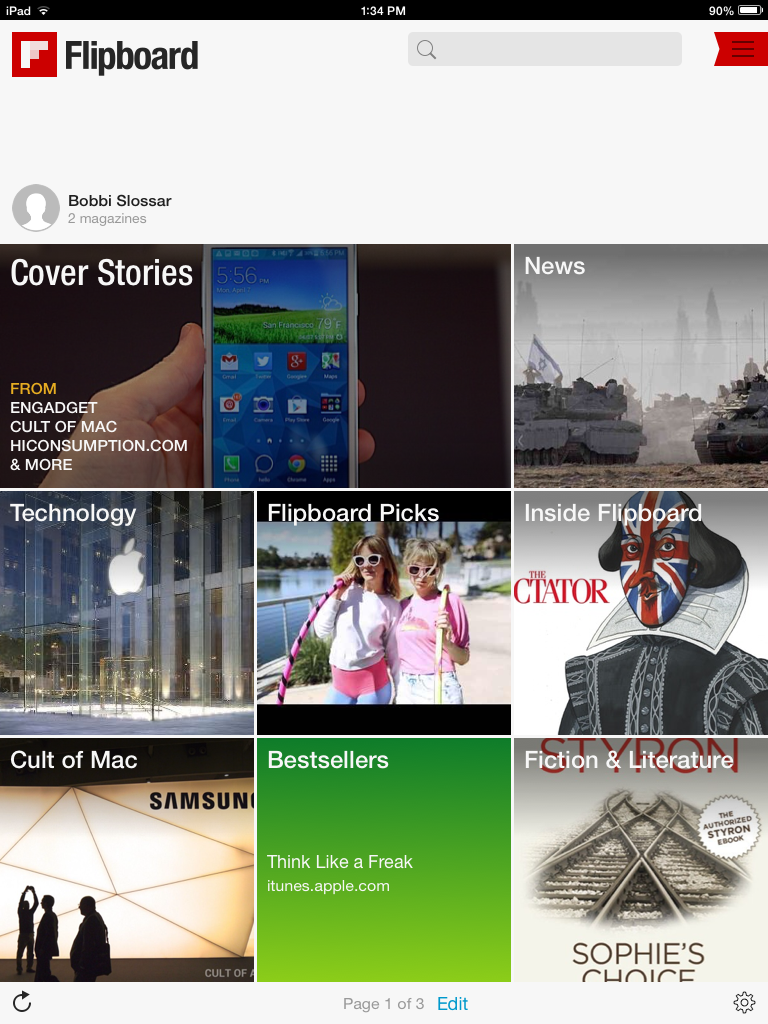
Flipboard is the ultimate newsreader app for both phones and tablets, but it really shines (in my opinion) as an app for the iPad. Once you install the app, you’ll have the option of adding a few pre-organized collection based on your interests.
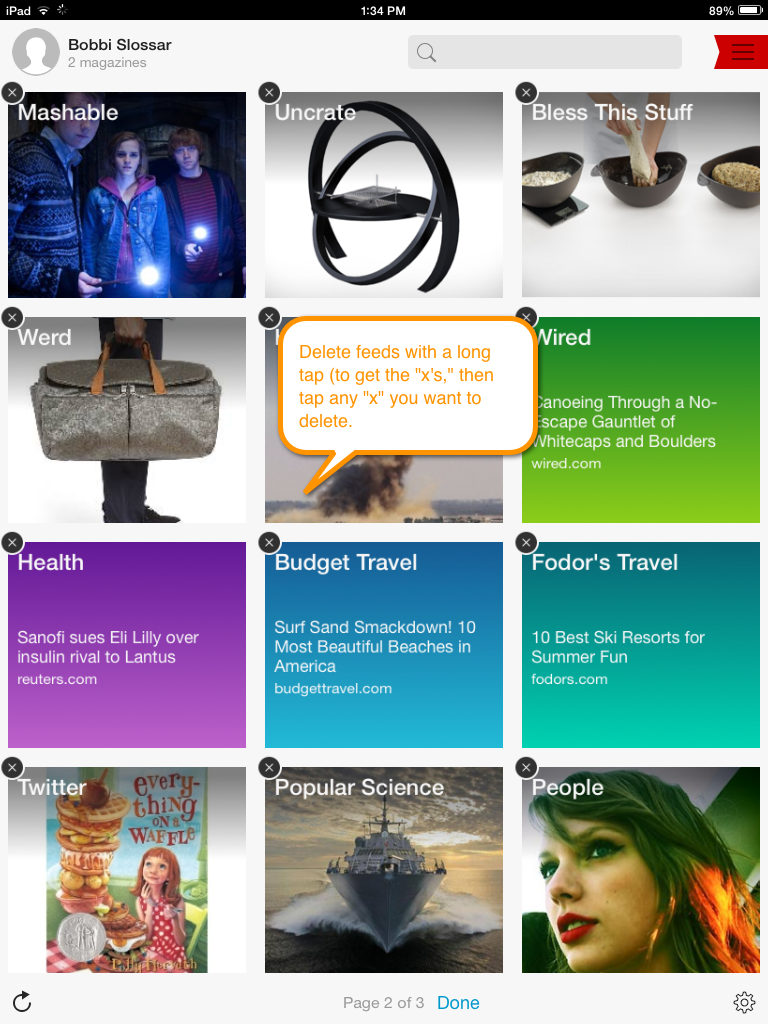
 Deleting feeds (subscriptions) is as easy as long-tapping a square and then tapping the small “x” in the corner.
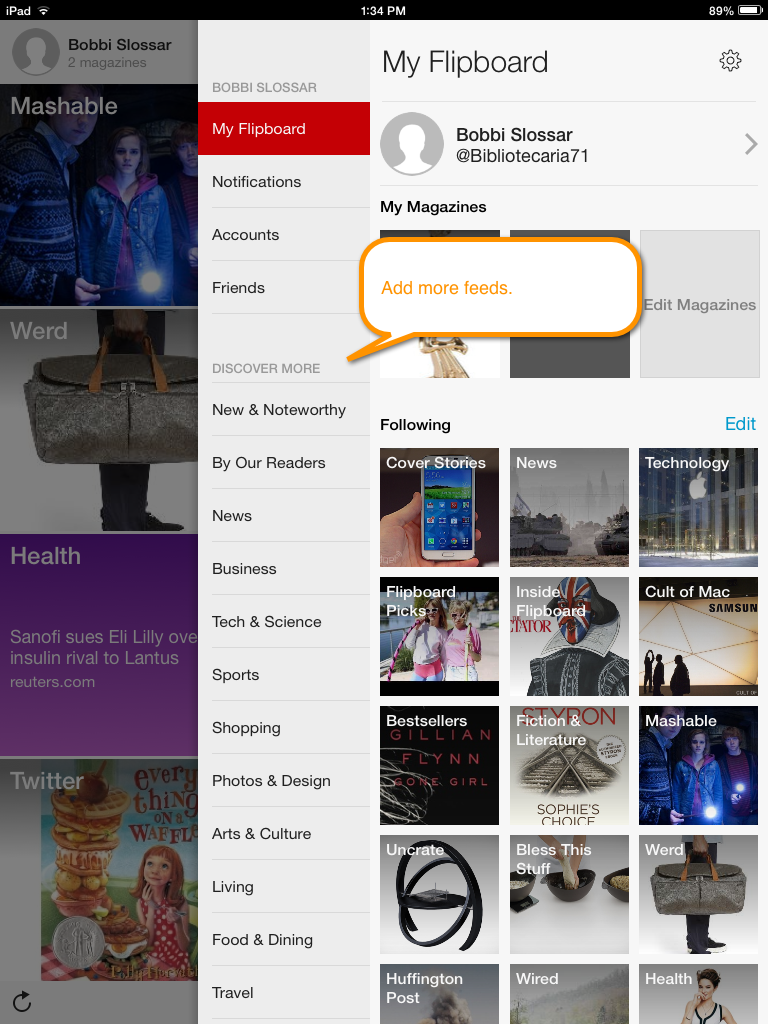
 Adding new feeds (subscriptions) is accomplished by tapping the small red menu icon in the upper-right corner. Browse for feeds or search for a topic.
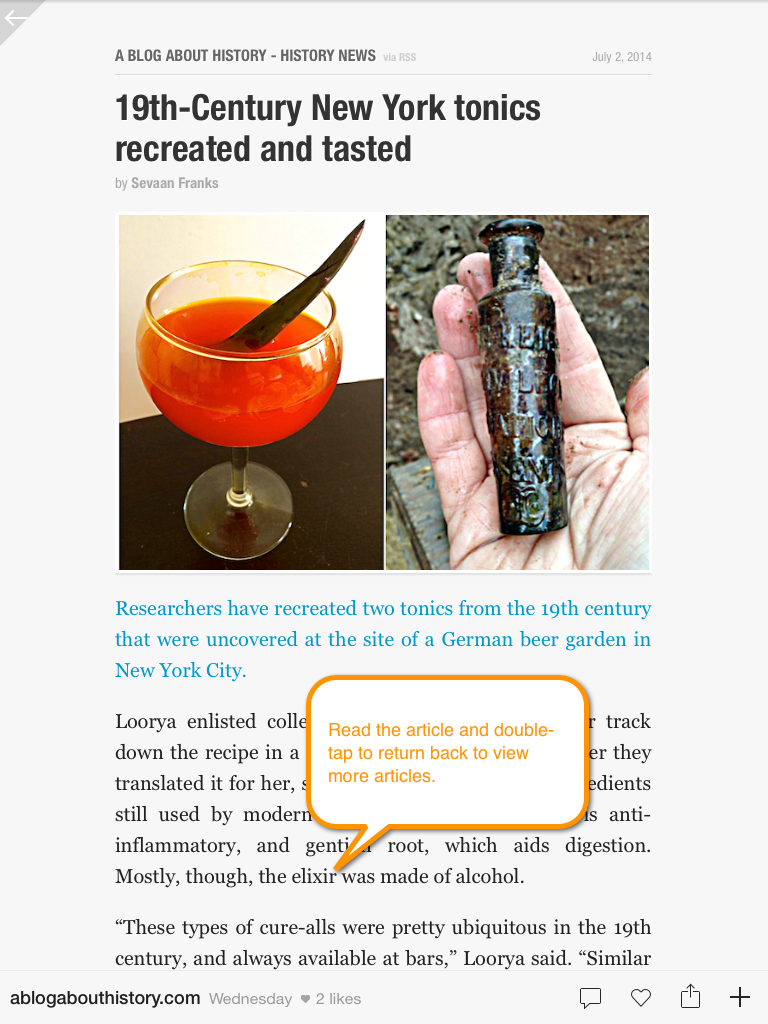
The feeds are presented in a grid shape laid out on a “page” that you can quickly flip through. When an interesting article catches your eye, simply tap once to expand the article.
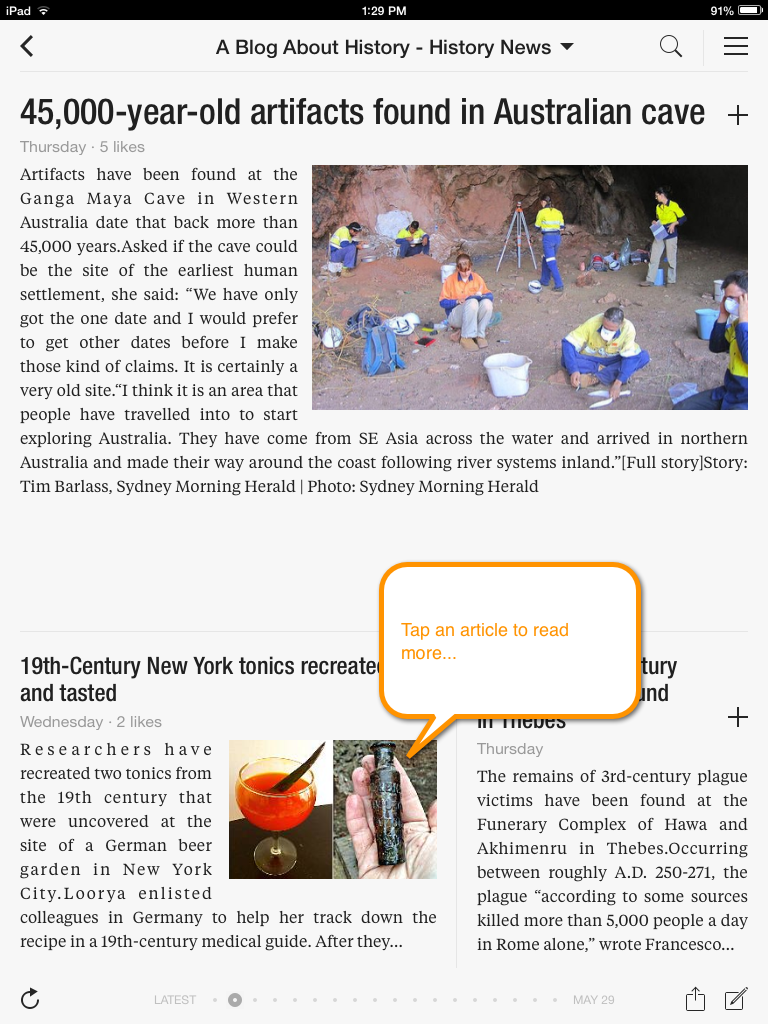
Double tap the article (on an iPad) to return to the grid.
You can also sign into social media with Flipboard. It’s a pretty neat way to really see into your Twitter feed. Try it!
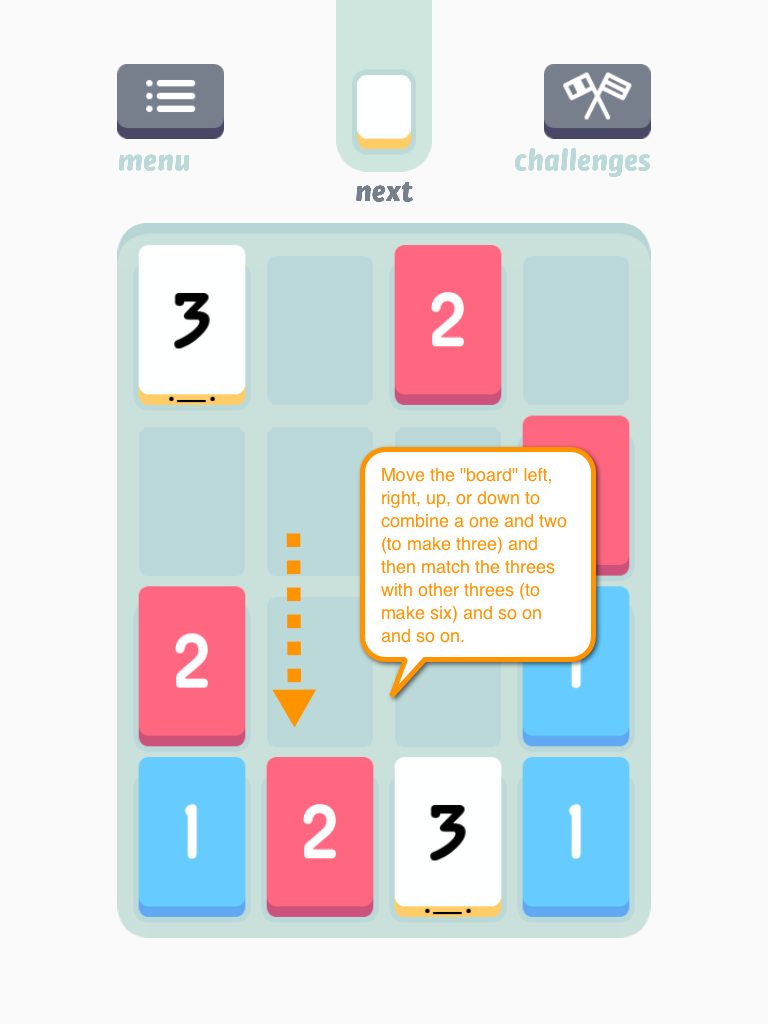
Bonus app of the week: Threes! ($1.99)
Threes is a simple, yet highly addictive game that requires a surprising amount of skill. (Or so I tell myself…) The rules are simple: Combine a one and a two to get a three. Match all other numbers with the same number. Slide the entire board up, down, left, or right until you run out of spaces. Addictive!